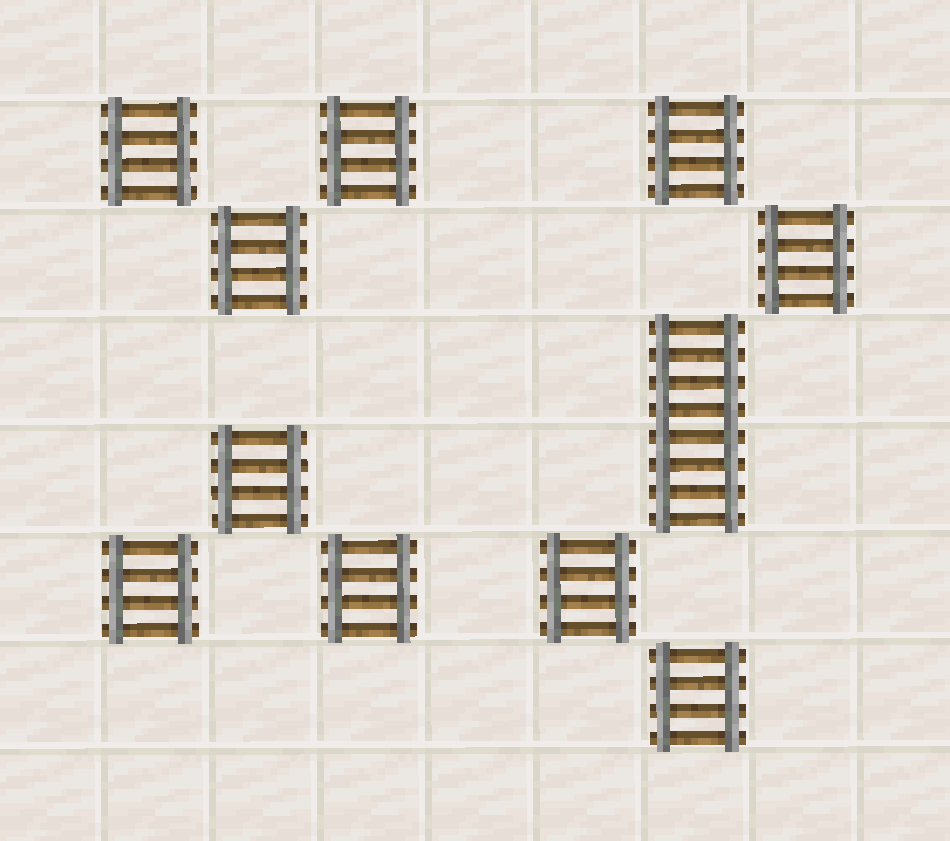
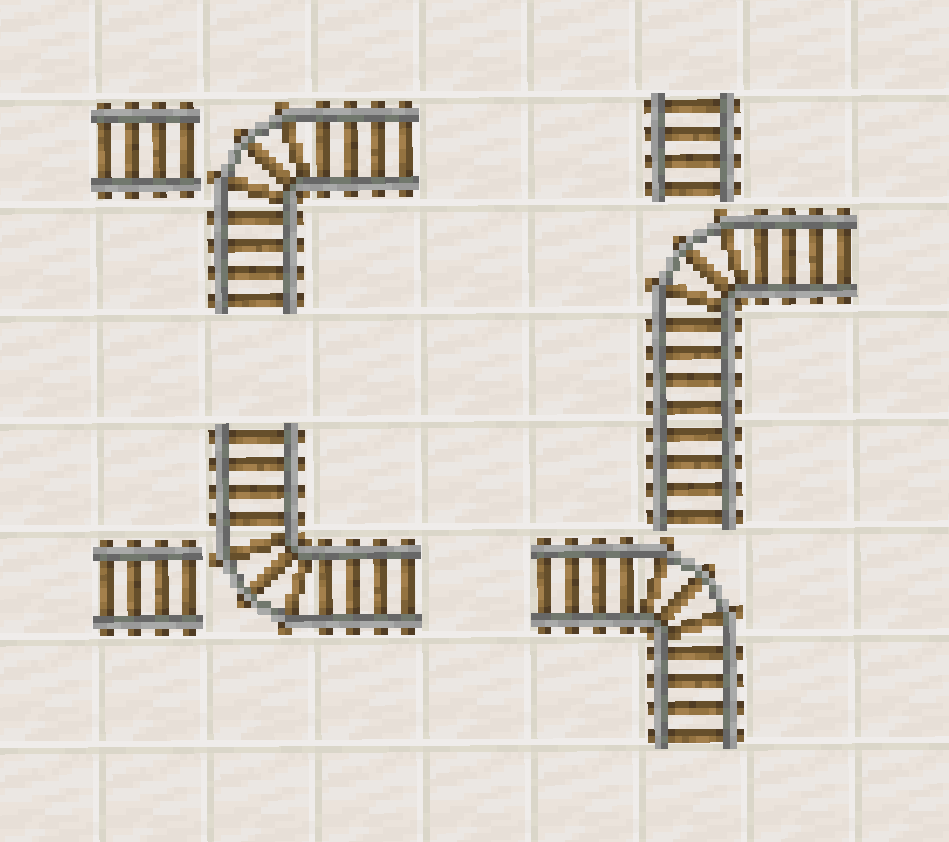


View at: Template:Redstone/content [edit]
For other uses, see Rail (disambiguation).
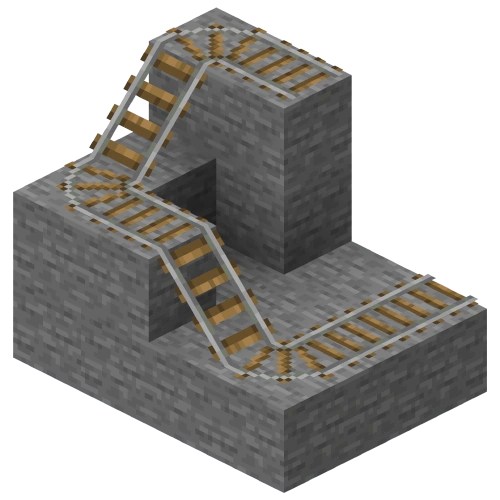
Rails are non-solid blocks that provide a path along which minecarts can travel.
Obtaining
Breaking
Rails can be mined with anything, but pickaxes are the quickest.
| Block | Rail | |
|---|---|---|
| Hardness | 0.7 | |
| Tool | ||
| Breaking time[A] | ||
| Default | 1.05 | |
| Wooden | 0.55 | |
| Stone | 0.3 | |
| Copper | 0.25 | |
| Iron | 0.2 | |
| Diamond | 0.15 | |
| Netherite | 0.15 | |
| Golden | 0.1 | |
- ↑ Times are for unenchanted tools as wielded by players with no status effects, measured in seconds. For more information, see Breaking § Speed.
A rail also drops as an item when the block beneath it is removed, or a piston moves it into a space with no block below it, or when water flows across it.
Rails are destroyed by flowing lava.
Natural generation
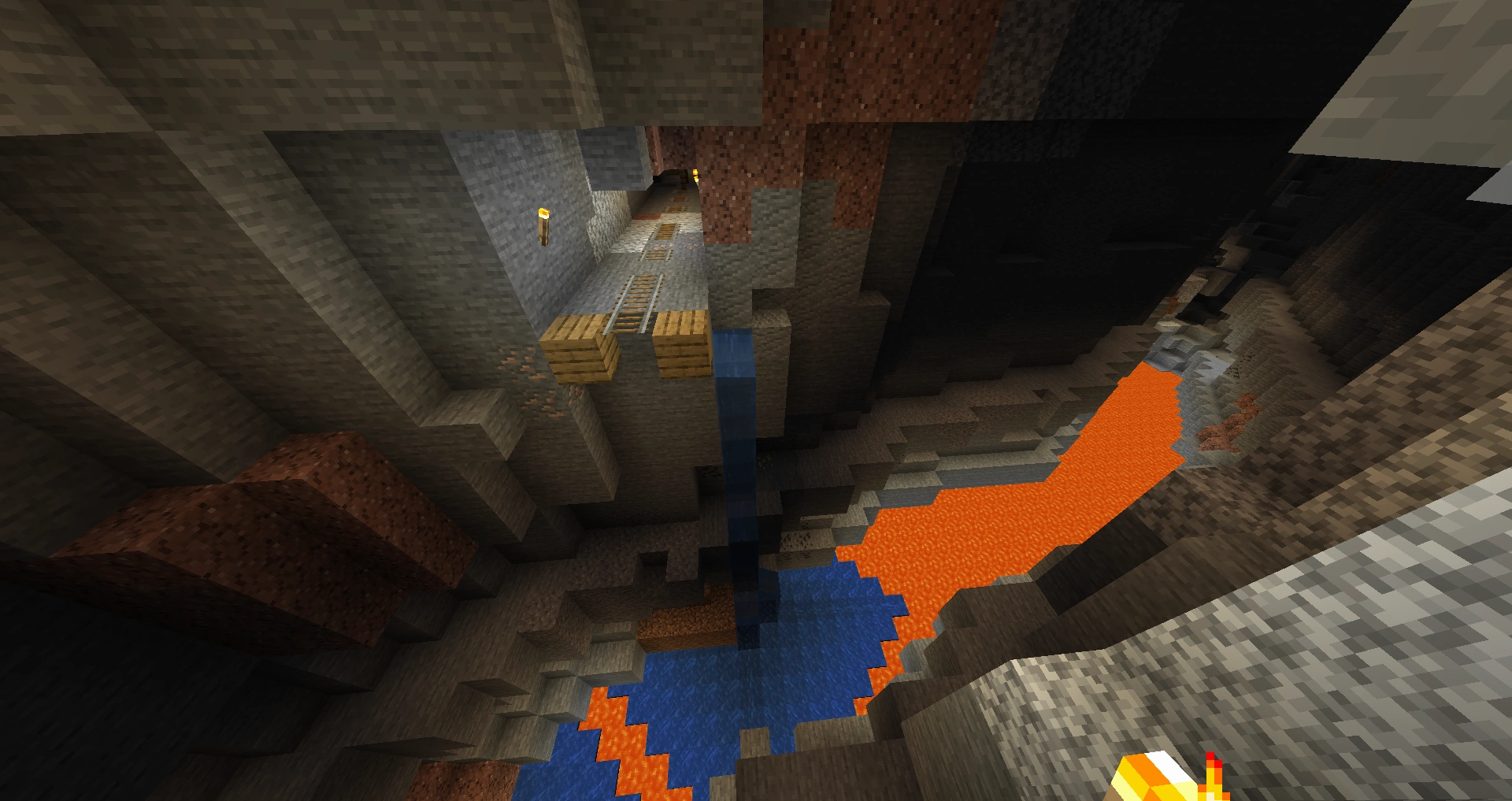
Rails can be found naturally running along the floors of mineshafts, and in the "pumpkin ring room" of woodland mansions.
Chest loot
| Item | Structure | Container | Quantity | Chance |
|---|---|---|---|---|
| Java Edition | ||||
| Rails | Mineshaft | Chest | 4–8 | 78.4% |
| Bedrock Edition | ||||
| Rails | Mineshaft | Chest | 4–8 | 78.4% |
Crafting
| Ingredients | Crafting recipe |
|---|---|
| Iron Ingot + Stick |
Usage
See also: Tutorials/Minecarts
A rail can be used as a minecart track and as a redstone component. A sequence of rails (including regular rails, activator rails, detector rails, and powered rails) is called a track.
Placement
To place a rail, use a rail item while pointing at a surface facing the space the rail should occupy. A rail can be placed on:
- the top of any full block (stone, dirt, blocks of gold, glass, etc.), including full-block mechanism components (command blocks, dispensers, droppers, note blocks, and redstone lamps)
- the top of an upside-down slab, upside-down stairs, or trapdoor.
- any of the above underwater (making the rail waterlogged)
Rails visually float 1⁄16 blocks above the ground, with an outline 2⁄16 blocks high.
A rail cannot be attached to the side or bottom of any block, but attempting to make such an attachment may cause the rail to attach to the top of a block under the destination space. For example, if a fence is on the ground, attempting to attach a rail to the side of the fence causes the rail to be attached to the top of the ground next to the fence instead.
More information regarding placement on transparent blocks can be found at Opacity/Placement.
A placed rail configures itself to be straight or curved according to rail blocks around it.
- If there are no other rails adjacent, or if placed beside an existing stretch of track of any type, then in Bedrock Edition the new rail orients itself as a straight north-south track, and in Java Edition the new rail orients itself in the direction the player is facing.
- A new rail placed at the end of an existing stretch of track continues the existing track in the same direction, either east-west or north-south.
- If there are two adjacent rails on its level, or one level up or down, the newly placed rail configures itself as straight or curved as needed to connect the other two.
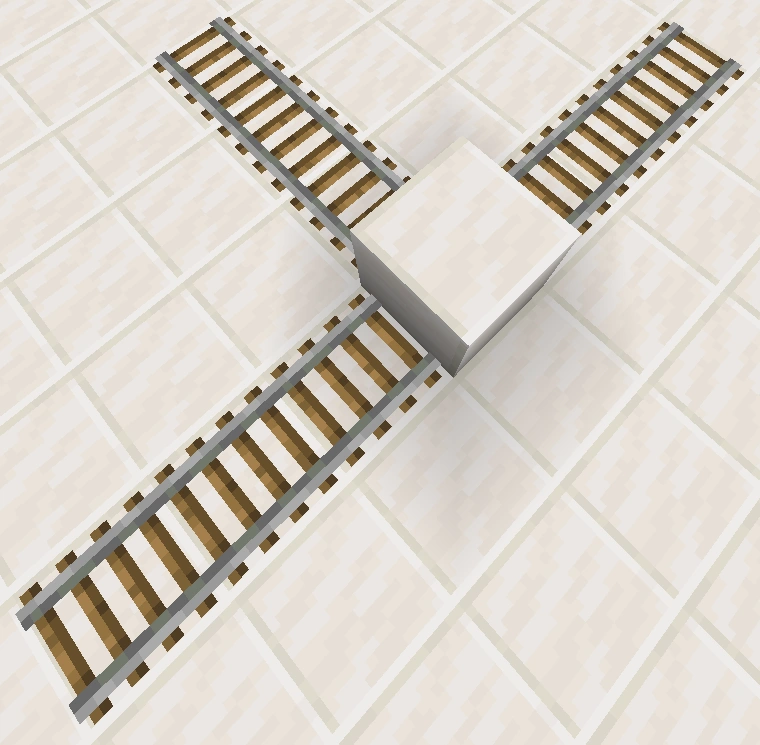
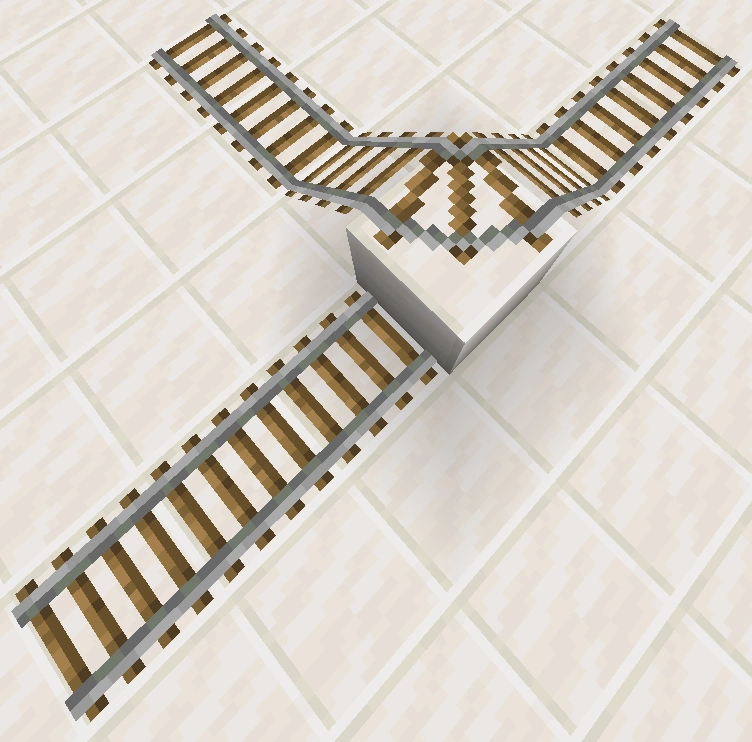
- If placed between three adjacent rails (forming a T-junction) the newly placed rail configures itself as curved to join two of the sides.
-
 T-junction before filling in tracks
 -
 T-junction after filling in tracks
Existing tracks one block up and down are considered for adjacency in the same manner, and the new piece of track gets laid as a curve, but unless space is left for sloping track sections, minecarts can continue past the curve only on level or one-block-down corners. In one-block-up corners, the cart ends up buried in the ground.
-
 Before placing the top block.
 -
 Top block is placed as curve.
 -
 Showing cart getting buried.
Some placement of rails produces track layouts that cause minecarts to collide and enter blocks.
-
 Minecarts always buried
 -
 Minecarts get through
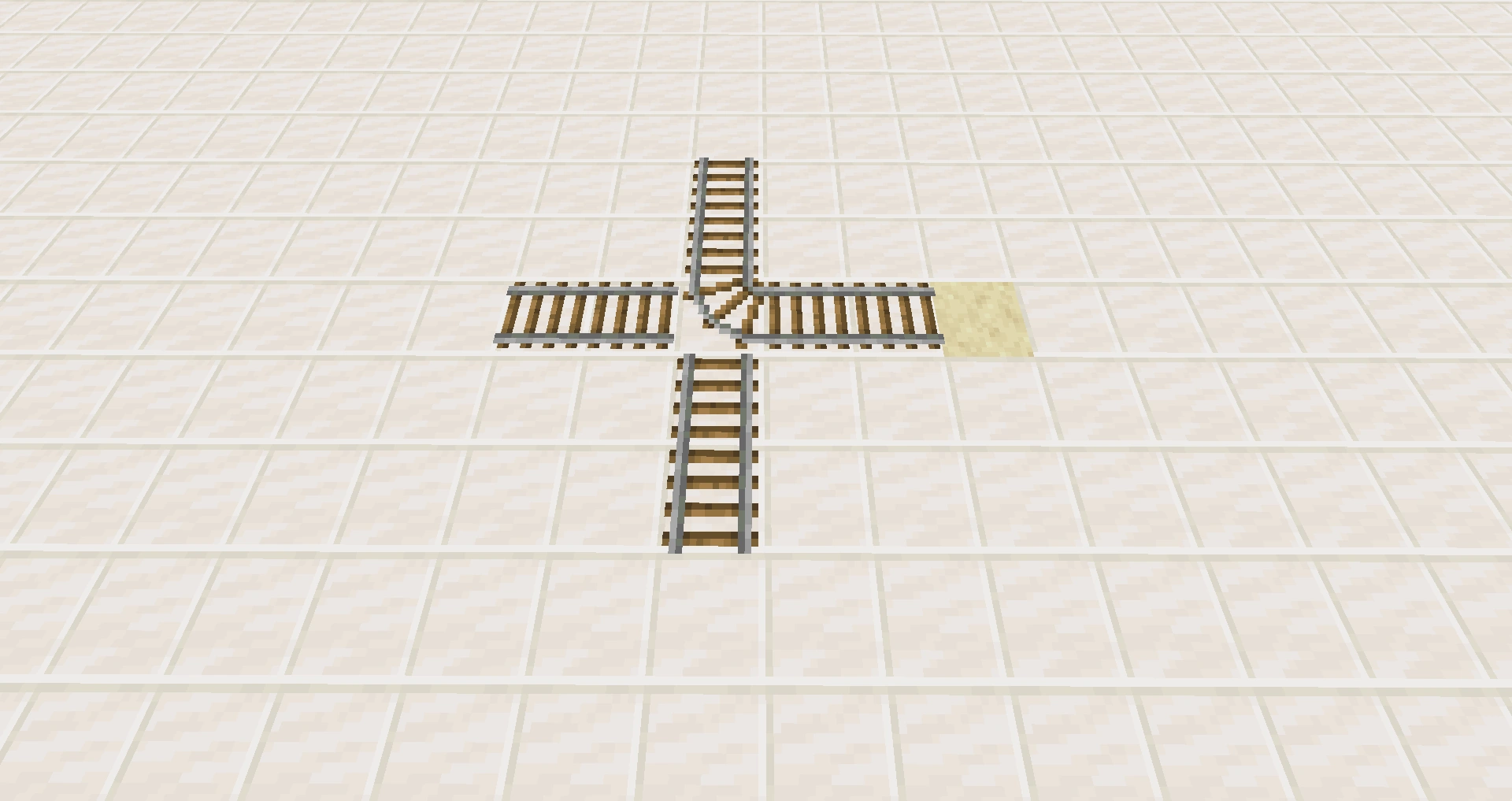
- If placed to form a 4-way intersection with no curved section, it does not form a cross-roads connection.
- If placed between four adjacent rails to form a curved intersection it always curves south-to-east.
-
 Curve controls minecart passage
Existing sections of track may be re-oriented, become sloping, or even change into curved sections when the new rail is placed adjacent to it:
- An existing straight, north-south rail re-orients to east-west when a new rail is placed at the east or west sides.
- If placed next to an existing rail that is one block up or down, the new rail slants up or down to join it. Rail "prefers", in order: west, east, south, and north. Other configurations can be created by placing and removing rails.
- If a track is placed perpendicular to an existing length of track, it appears as a straight rail, but in fact, it is curved according to the patterns for tee junctions as seen above; mine carts going through the intersection turn the corner. Breaking and re-laying track so that the intersection block is laid last causes the intersection block to be updated as a curved section.
Piston interactivity
Rails can be pushed and pulled by pistons.
Redstone component
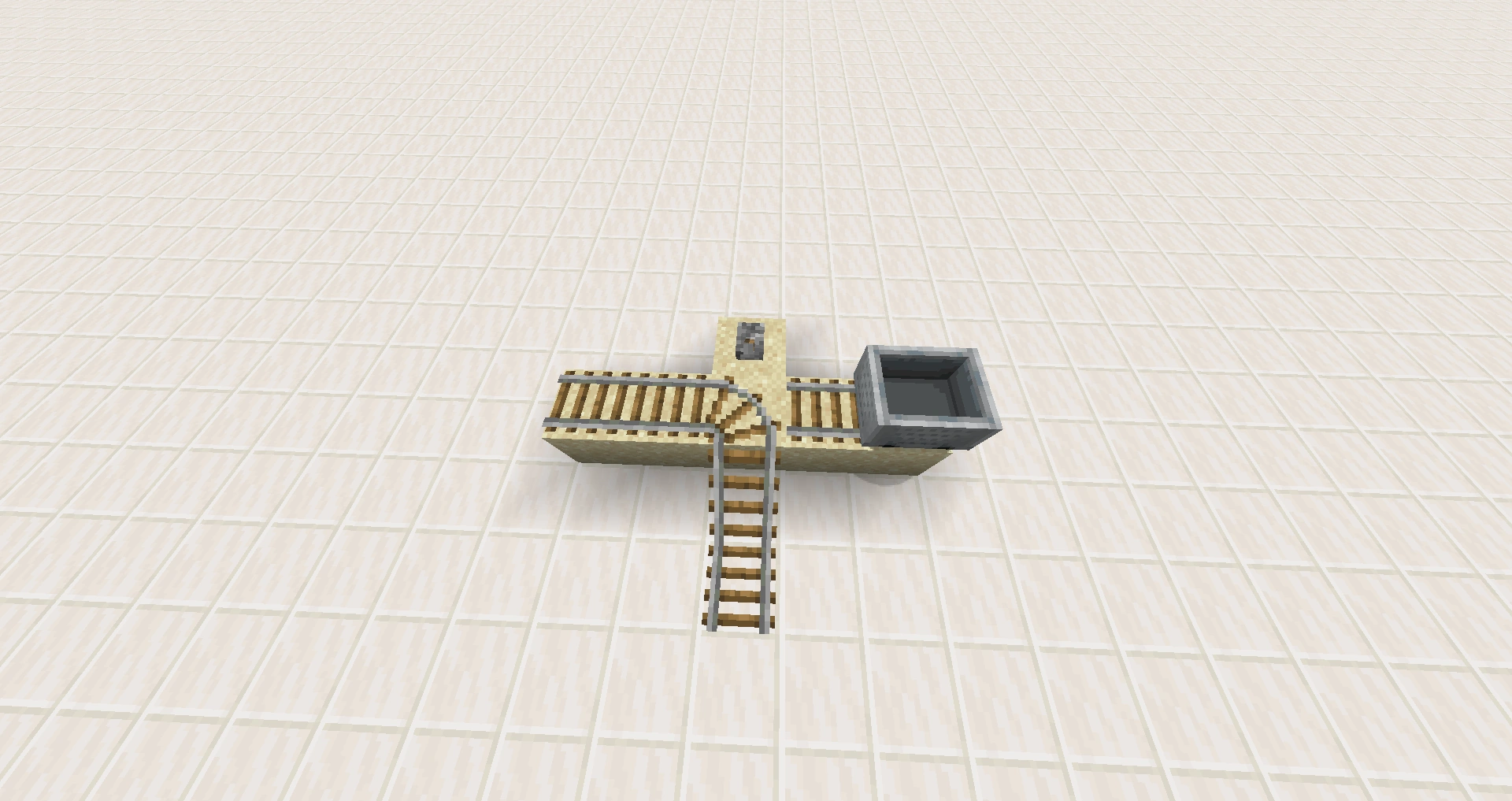
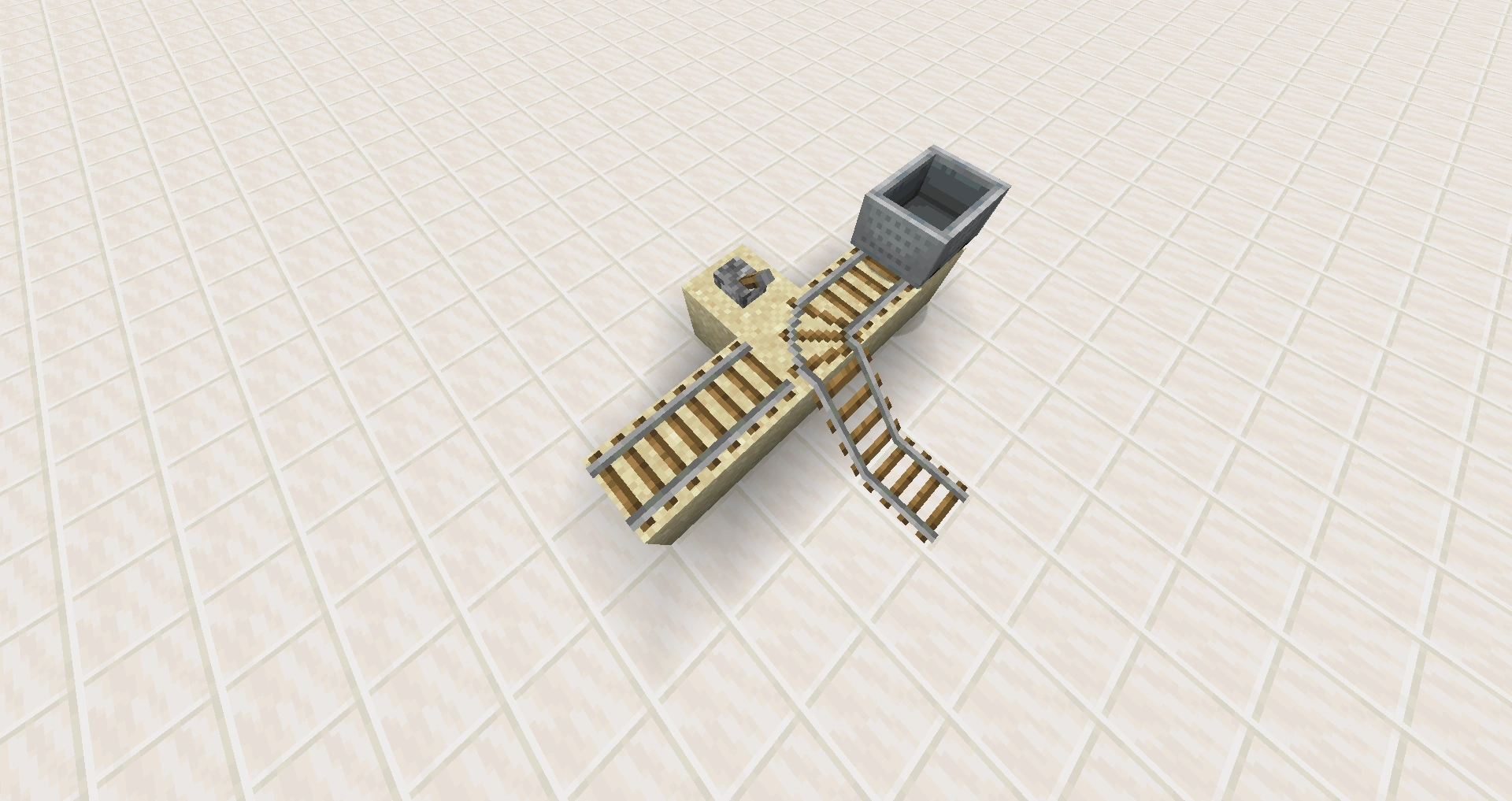
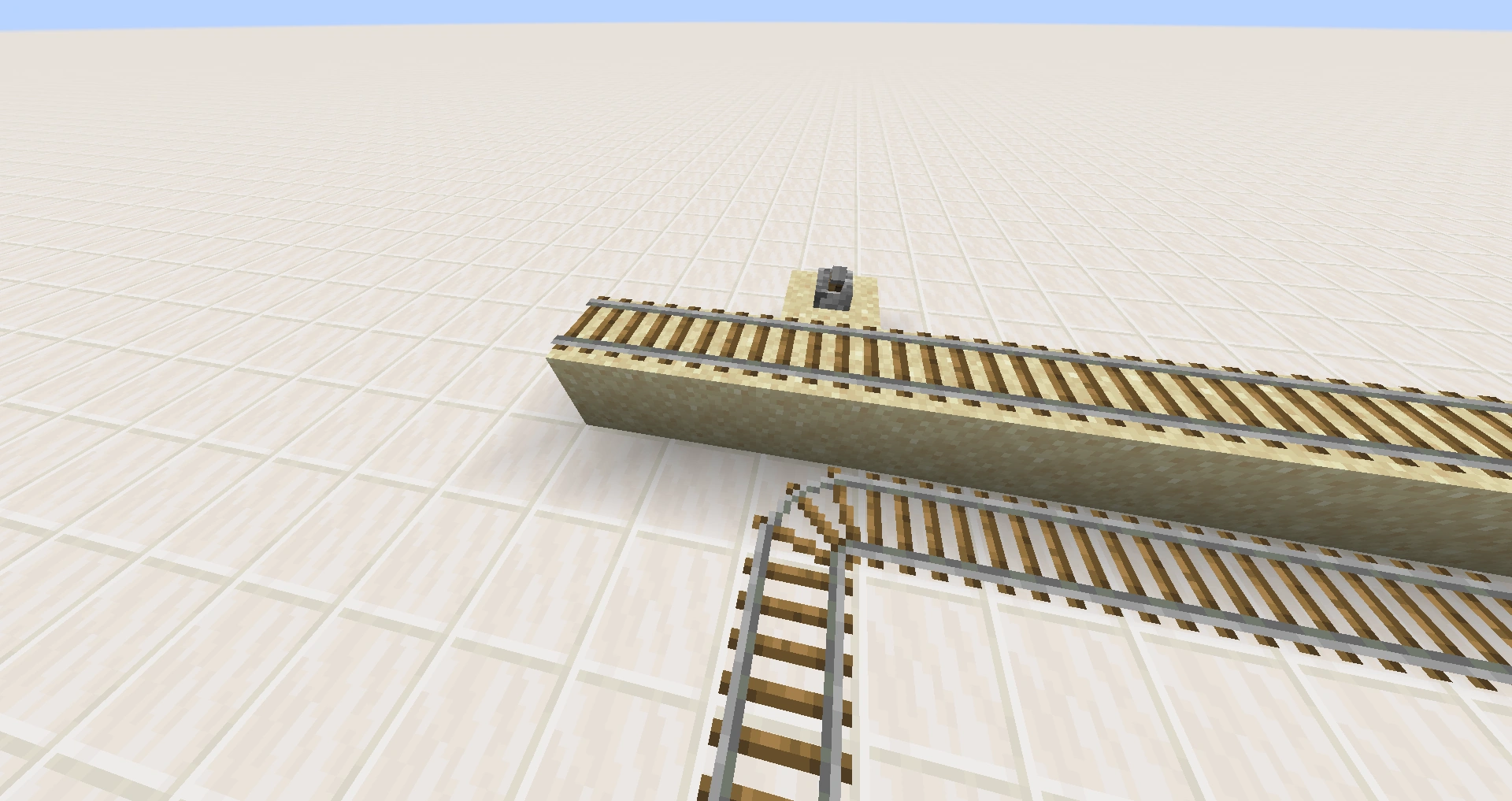
The intersection rail at a T-intersection may be made to change its direction of curvature by applying redstone power using a redstone torch, lever, or button.
If a rail is not in its most preferred available state, it will change to that preferred state as its default when the rail is updated via redstone power.
Separate tracks are laid adjacent, but at the next level, lower or higher can sometimes cause issues. However, normally they do not interact with the switched rail.
Minecart behavior
South-east rule
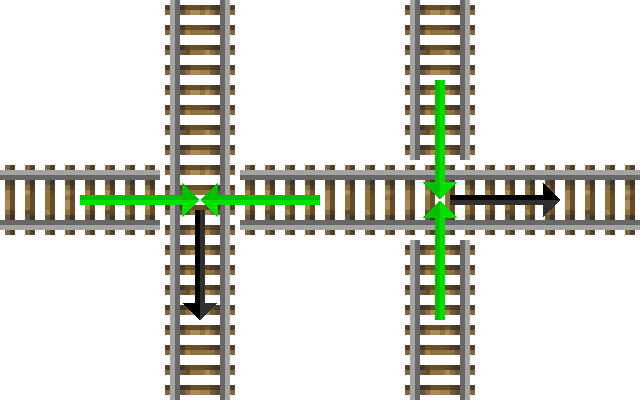
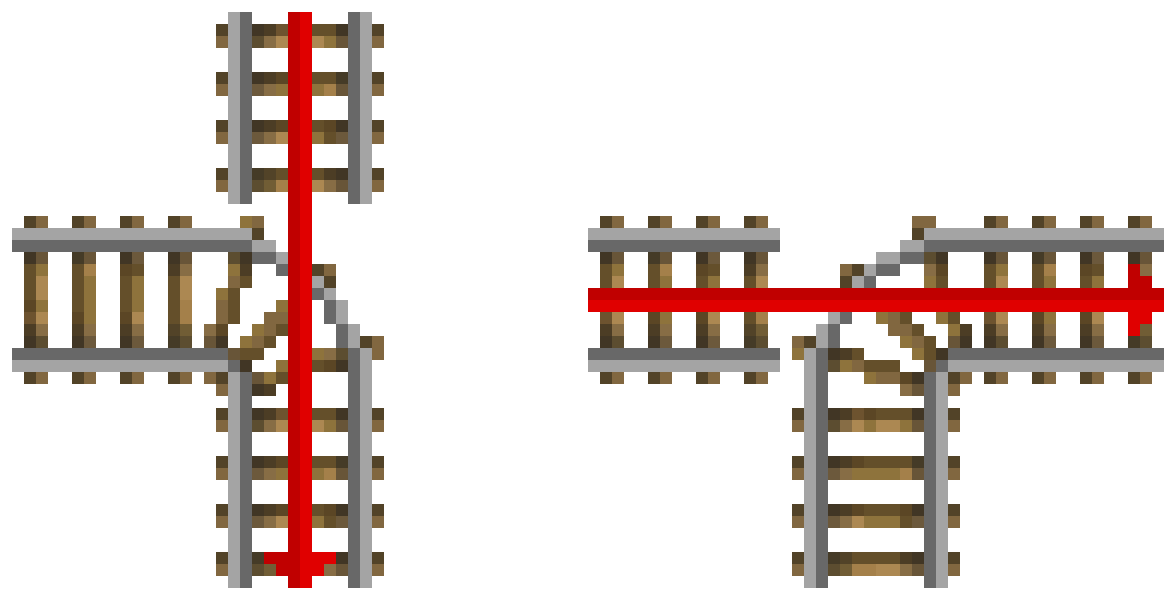
Main article: South-east rule
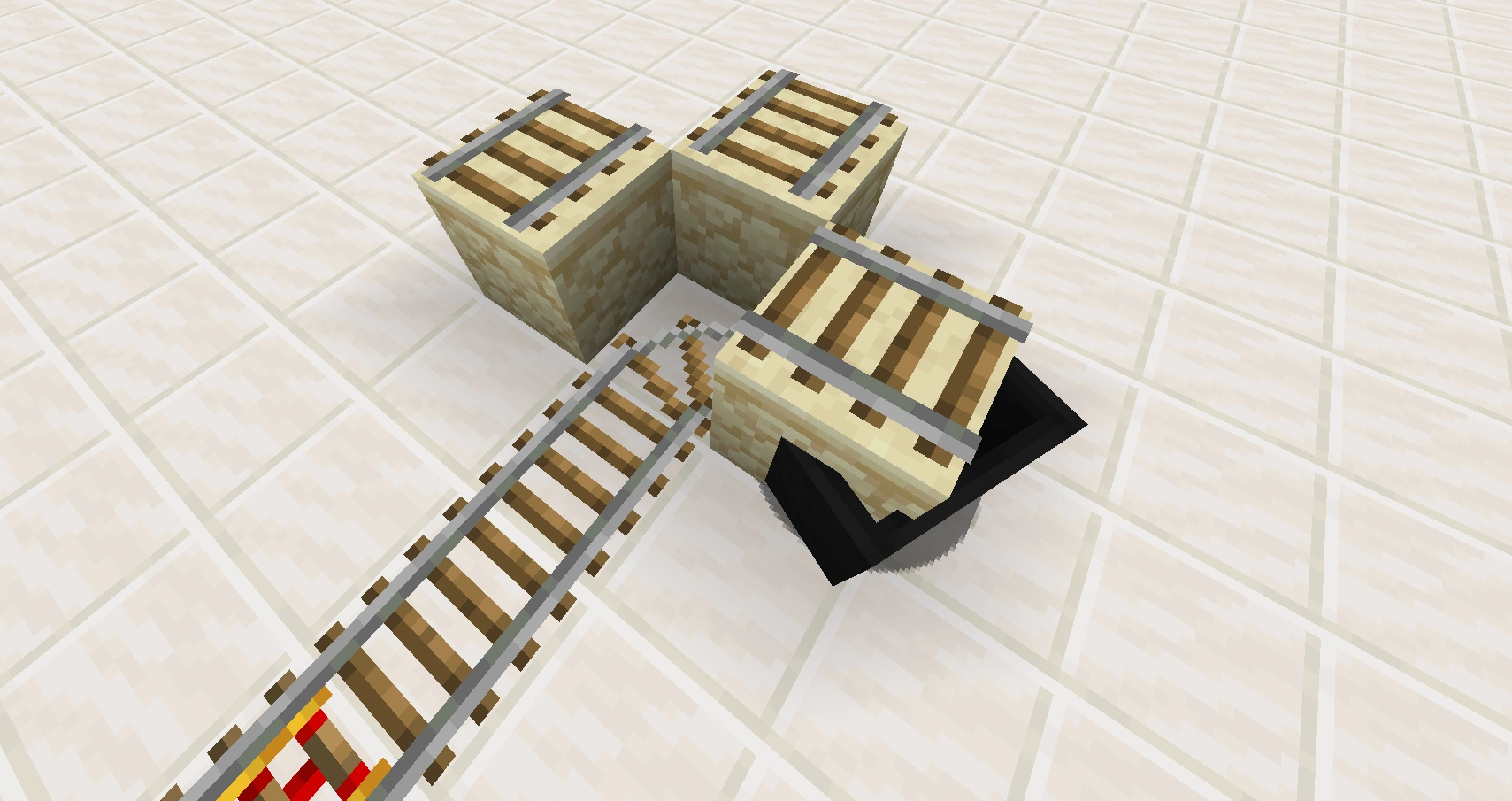
A minecart travels straight through a T-shaped intersection when entering from the "back of" the curved rail. It follows the curve when entering from either of the other two legs.
A minecart passes straight through a 4-way intersection constructed to have no curved rail. When entering the 4-way from east or west a cart turns according to the south-east rule.
Downhill rule
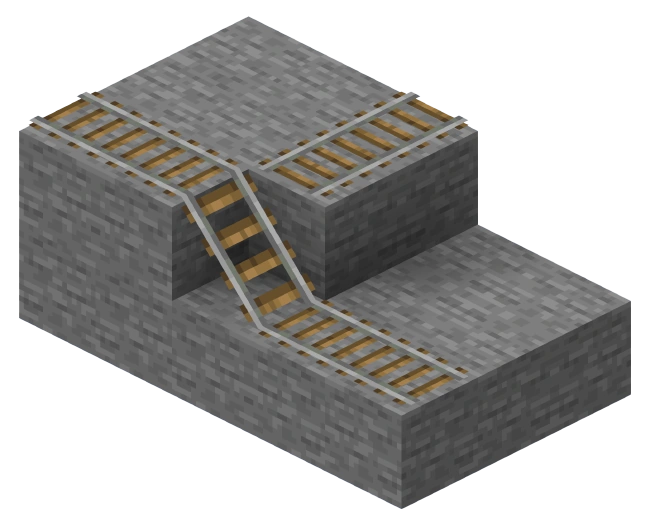
At non-curve track intersections, minecarts always travel downhill if they can. This is known as the downhill rule and overrides the south-east rule.
Ramp clearance/one-way effect
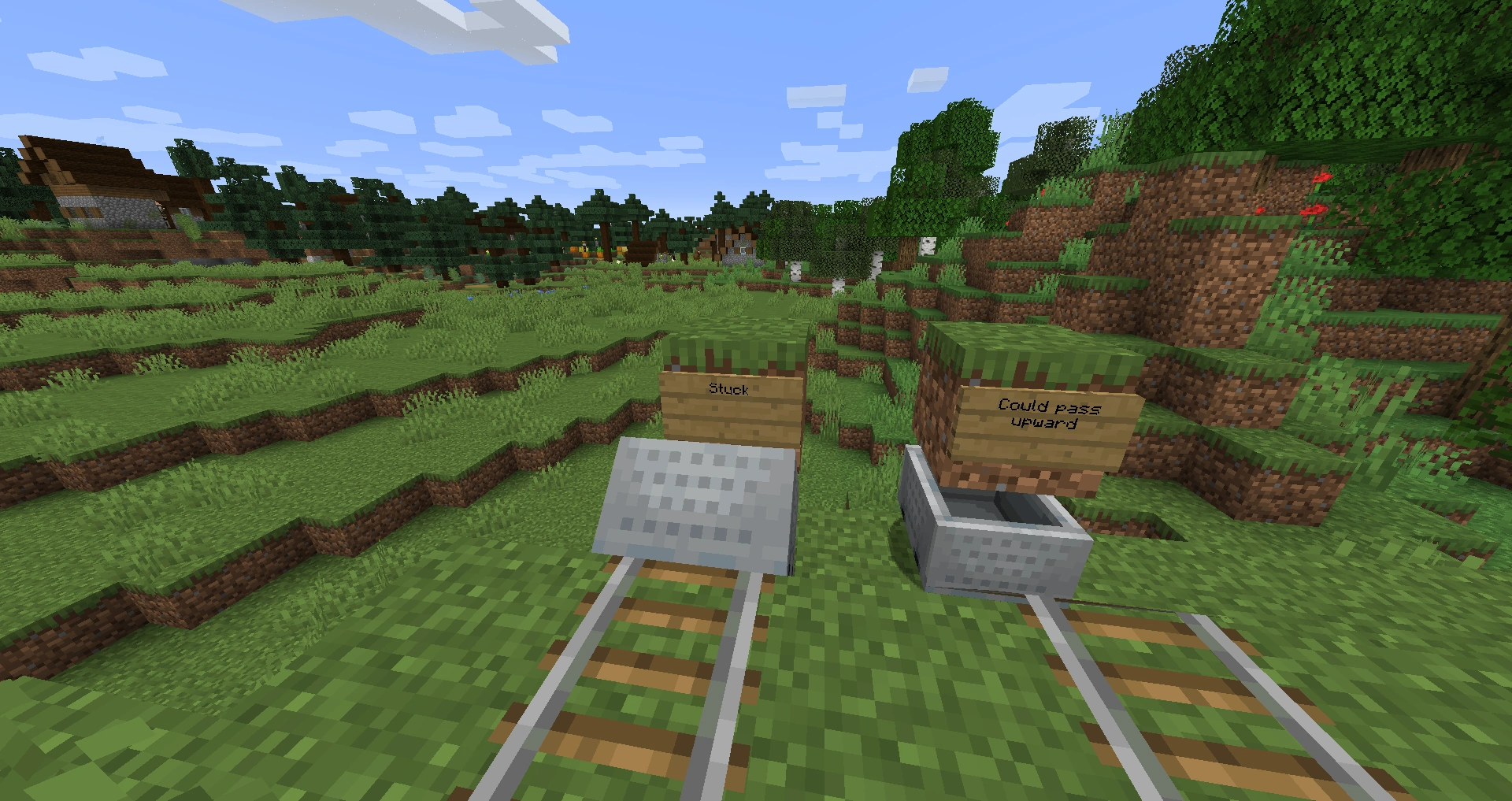
A block placed above the track at the downhill end of a ramp prevents minecarts from traveling down the slope, but not up. For a minecart to move down a diagonal tunnel, there must be clearance sufficient for a player to walk it.
Curve intersections
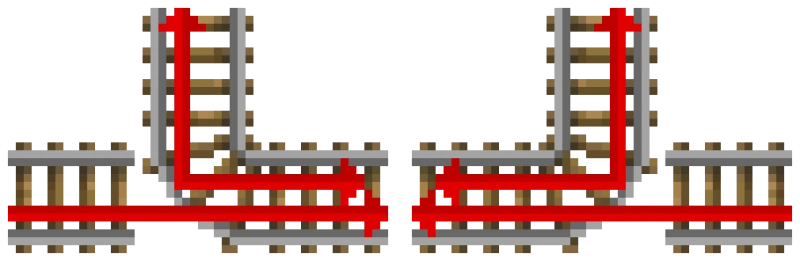
A diagram on how minecarts travel according to track curves.
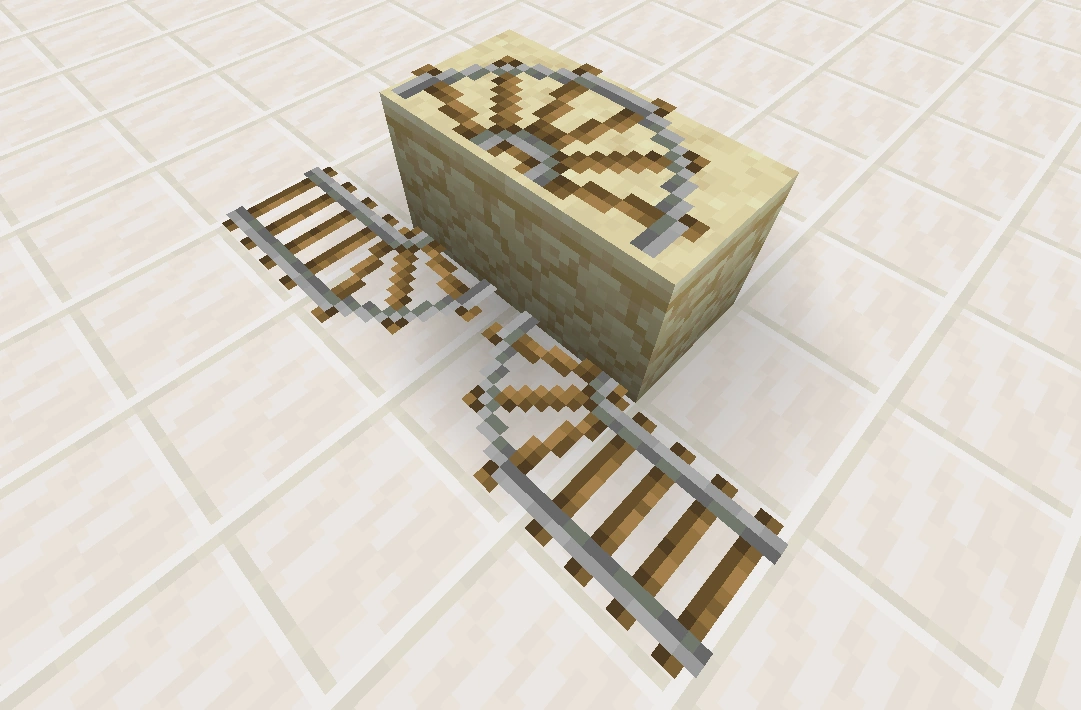
If a straight track piece leads to a curve block and isn't attached to the curve, a minecart runs over the gap and continues to go straight over the curve. This is not applicable to other types of rails.
Notably, the minecart can exceed the normal 8 m/s speed limit while it jumps over the gap. For example, by placing intersections on every other block of a straight track, it is possible to travel (uncomfortably) at 10 m/s in a straight direction.
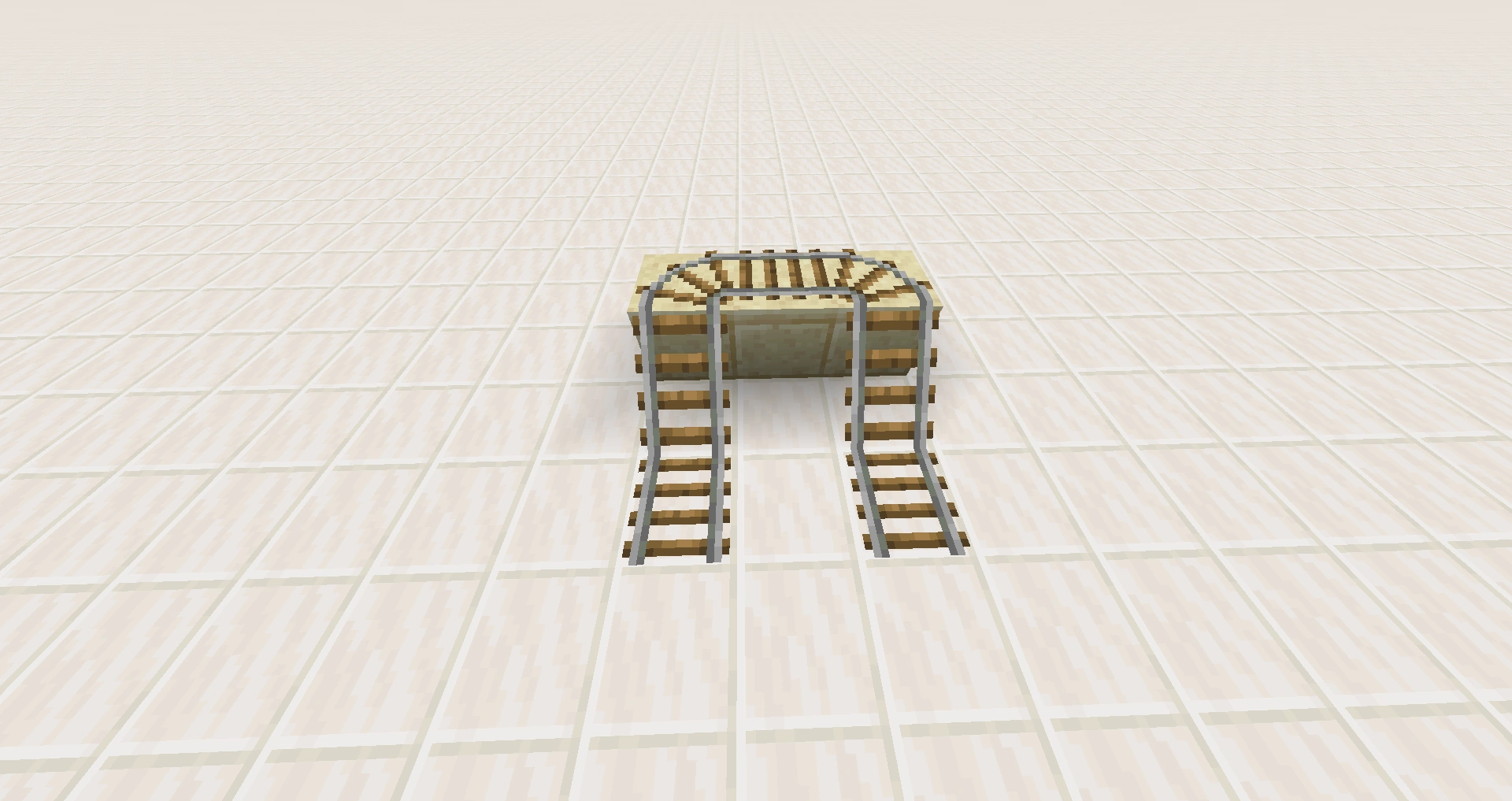
As with straight T-intersections and 4-way intersections, the practice of making a minecart jump track can be used to make one-way entries onto a track. On curve intersections the behavior is more intuitive because the cart simply proceeds in the direction it is already going, allowing designs that don't rely on knowledge of the south-east rule.
Rail performance
A minecart with no rider at full speed can climb 10 blocks on an unpowered track. This suggests that a powered track is needed at a height of only 10 blocks to keep a cart climbing. However, the cart slows so much that it can reach only another 5 blocks high with 2 lengths of powered track starting at 9 blocks high. The minimum number of powered rails to keep the cart climbing perpetually is 3 every 6 blocks.
Carts with a rider, or minecarts with chests, have more momentum and so climb higher than carts that are unloaded. With a rider, a minecart can climb at least 24 blocks before needing powered rails to go higher. Also, to ascend from 0 to max speed, the player needs 7 powered rails.
Mob behavior
In Java Edition, some mobs (such as pillagers, zombies, sheep and many others) avoid walking on rails, and walk off rails when pushed onto them.[1]
Sounds
| Sound | Subtitles | Source | Description | Resource location | Translation key | Volume | Pitch | Attenuation distance |
|---|---|---|---|---|---|---|---|---|
| Block broken | Blocks | Once the block has broken | block | subtitles | 1.0 | 1.2 | 16 | |
| Block placed | Blocks | When the block is placed | block | subtitles | 1.0 | 1.2 | 16 | |
| Block breaking | Blocks | While the block is in the process of being broken | block | subtitles | 0.25 | 0.75 | 16 | |
| None[sound 1] | Entity-Dependent | Falling on the block with fall damage | block | None[sound 1] | 0.5 | 1.25 | 16 | |
| Footsteps | Entity-Dependent | Walking on the block | block | subtitles | 0.15 | 1.5 | 16 |
| Sound | Source | Description | Resource location | Volume | Pitch |
|---|---|---|---|---|---|
| Blocks | Once the block has broken | dig | 1.0 | 1.1-1.2 | |
| Blocks | When the block is placed | use | 1.0 | 1.2-1.25 | |
| Blocks | While the block is in the process of being broken | hit | 0.3 | 0.75 | |
| Players | Falling on the block with fall damage | fall | 0.4 | 1.0 | |
| Players | Walking on the block | step | 0.35 | 1.0 | |
| Players | Jumping from the block | jump | 0.12 | 1.0 | |
| Players | Falling on the block without fall damage | land | 0.22 | 1.0 |
Data values
ID
| Name | Identifier | Form | Block tags | Item tags | Translation key |
|---|---|---|---|---|---|
| Rail | rail | Block & Item | prevent_mob_spawning_inside rails | rails | block.minecraft.rail |
| Name | Identifier | Numeric ID | Form | Item ID[i 1] | Translation key |
|---|---|---|---|---|---|
| Rail | rail | 66 | Block & Giveable Item[i 2] | Identical[i 3] | tile.rail.name |
Block states
See also: Block states
| Name | Default value | Allowed values | Description |
|---|---|---|---|
| shape | north_south
| east_westnorth_eastnorth_southnorth_westsouth_eastsouth_west | The two directions a rail connects to. For example, a south_east rail is a curved rail that connects to the south and to the east.
|
ascending_eastascending_northascending_southascending_west | A rail that ascends toward the direction noted. For example, an ascending_west rail is a straight rail that goes upward from the east toward the west. | ||
| waterlogged | false | truefalse | Whether or not there's water in the same place as this rail. |
| Name | Metadata Bits | Default value | Allowed values | Values for Metadata Bits |
Description |
|---|---|---|---|---|---|
| rail_direction | 0x10x20x40x8 | 0
| 0 | 0 | Straight rail connecting to the north and south. |
1 | 1 | Straight rail connecting to the east and west. | |||
2 | 2 | Sloped rail ascending to the east. | |||
3 | 3 | Sloped rail ascending to the west. | |||
4 | 4 | Sloped rail ascending to the north. | |||
5 | 5 | Sloped rail ascending to the south. | |||
6 | 6 | Curved rail connecting to the south and east. | |||
7 | 7 | Curved rail connecting to the south and west. | |||
8 | 8 | Curved rail connecting to the north and west. | |||
9 | 9 | Curved rail connecting to the north and east. |
Achievements
|
|
Icon | Achievement | In-game description | Actual requirements (if different) | Gamerscore earned | Trophy type (PS4) | |
|---|---|---|---|---|---|---|---|
| PS4 | Other | ||||||
|
|
On A Rail | Travel by minecart to a point at least 500m in a single direction from where you started. | Travel by minecart 500 blocks in a straight line away from the player's starting point. | 40G | Gold | ||
Video
History
This section is missing information about initial waterlogged rail reveal.
Please expand the section to include this information. Further details may exist on the talk page.
| Java Edition Infdev | |||||||||||||||||||||||||||||||||||||||
|---|---|---|---|---|---|---|---|---|---|---|---|---|---|---|---|---|---|---|---|---|---|---|---|---|---|---|---|---|---|---|---|---|---|---|---|---|---|---|---|
| 20100618 | 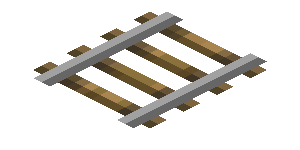 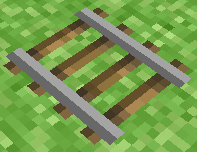 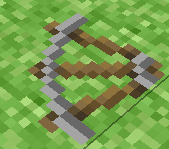 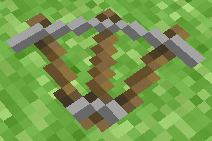 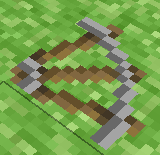 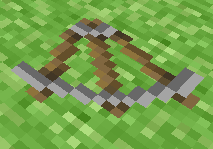  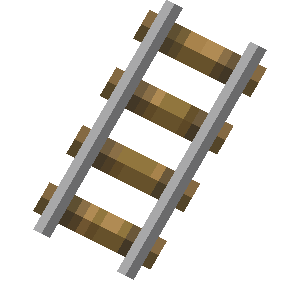 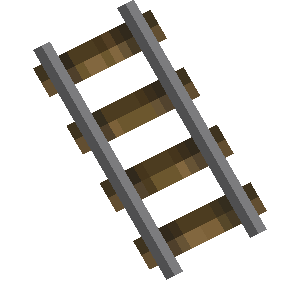  Added rails in the first "Seecret Friday Update" to Infdev. Added rails in the first "Seecret Friday Update" to Infdev. | ||||||||||||||||||||||||||||||||||||||
| ? | Sloped rails are currently being dropped if the block on the side was destroyed. | ||||||||||||||||||||||||||||||||||||||
| Java Edition Alpha | |||||||||||||||||||||||||||||||||||||||
| v1.2.0 | ? | 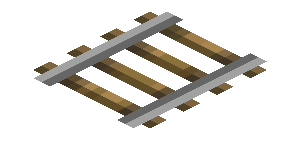 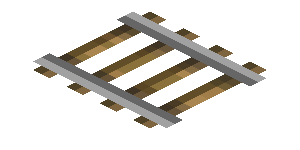    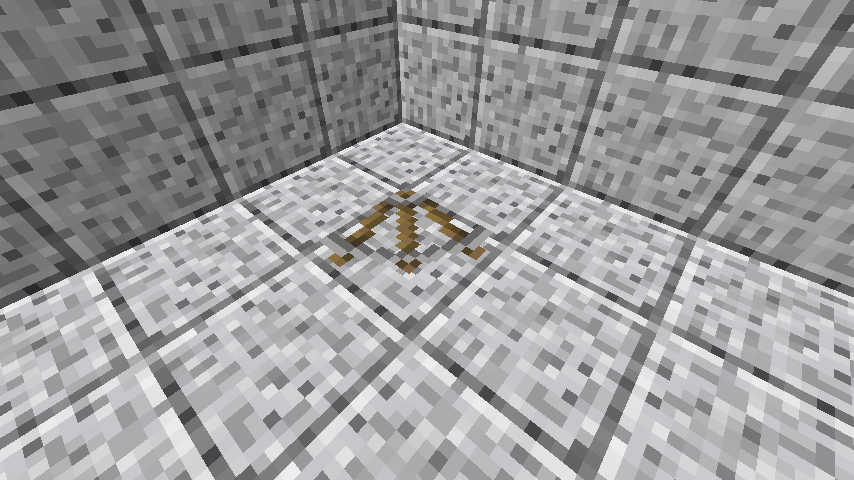 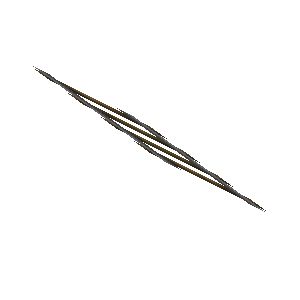 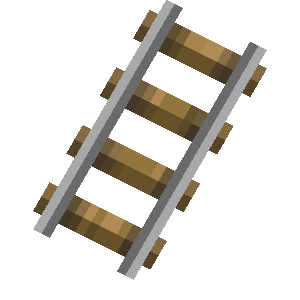 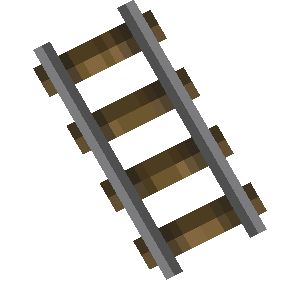  The textures of rails and curved rails have been changed slightly. The textures of rails and curved rails have been changed slightly. | |||||||||||||||||||||||||||||||||||||
| Java Edition Beta | |||||||||||||||||||||||||||||||||||||||
| 1.6 | Test Build 3 | Before this update, parallel tracks would be used to create minecart boosters. | |||||||||||||||||||||||||||||||||||||
| 1.8 | Pre-release | Rails are now found in the new mineshaft chests. | |||||||||||||||||||||||||||||||||||||
| Java Edition | |||||||||||||||||||||||||||||||||||||||
| 1.0.0 | Beta 1.9 Prerelease | Rails are now destroyed by snowfall (bug). | |||||||||||||||||||||||||||||||||||||
| Beta 1.9 Prerelease 4 | Some rail behavior is now affected following the change of the south-west rule to south-east rule. | ||||||||||||||||||||||||||||||||||||||
| Beta 1.9 Prerelease 6 | Rails are now broken faster using a pickaxe. | ||||||||||||||||||||||||||||||||||||||
| 1.3.1 | 12w25a | Rails can now be placed on upside-down slabs and stairs. | |||||||||||||||||||||||||||||||||||||
| 1.5 | 13w04a | Mobs no longer walk over rails, if they are not currently standing on one. | |||||||||||||||||||||||||||||||||||||
| 1.8 | 14w10a | Rails with numerical metadata variants 10 to 15, which are inaccessible through normal gameplay or even commands and as such require the use of external editors to exist, now have no model  . Their appearances prior to this point were unknown. . Their appearances prior to this point were unknown. | |||||||||||||||||||||||||||||||||||||
| 14w25a | Rails are now defined via block states rather than by numerical metadata. Prior to this version, the numerical metadata variants of the rail were as follows:
| ||||||||||||||||||||||||||||||||||||||
| 14w26a | Rails with metadata values 10 to 15 have been completely removed from the game. | ||||||||||||||||||||||||||||||||||||||
| 1.9 | 15w44a | The average yield from mineshaft chests has been increased by more than 20 times. | |||||||||||||||||||||||||||||||||||||
| Mobs no longer spawn on rails. | |||||||||||||||||||||||||||||||||||||||
| 1.11 | 16w32b | All rail types' hitbox heights have been decreased from a full block to a half block. | |||||||||||||||||||||||||||||||||||||
| 16w39a | Rails now generate in woodland mansions. | ||||||||||||||||||||||||||||||||||||||
| 1.13 | 17w47a | Prior to The Flattening, this block's numeral ID was 66. | |||||||||||||||||||||||||||||||||||||
| 1.14 | 18w43a | 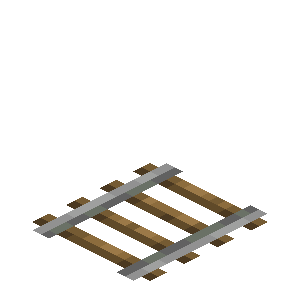 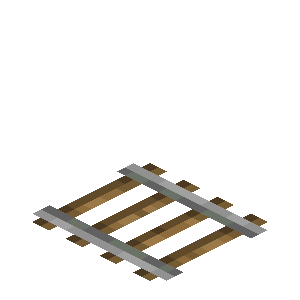 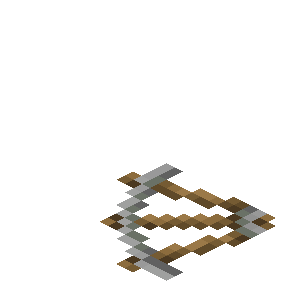 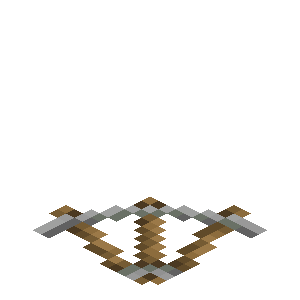 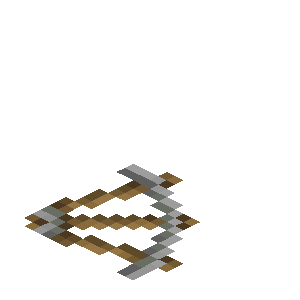 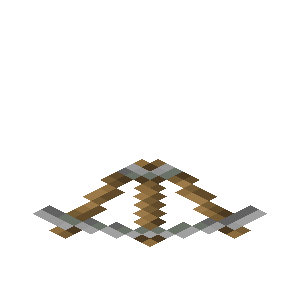 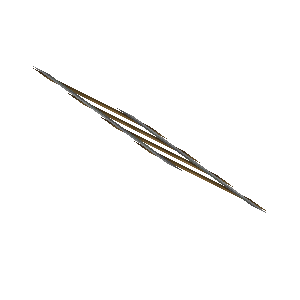 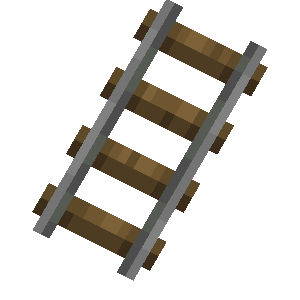 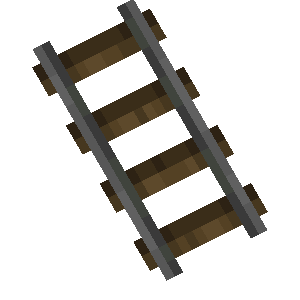  The texture of rails has been changed. The texture of rails has been changed. | |||||||||||||||||||||||||||||||||||||
| 19w12b | Rails can now be placed on glass, ice, glowstone and sea lantern. | ||||||||||||||||||||||||||||||||||||||
| 1.15 | 19w39a | Placing a new, unconnected section of rails now orients them in the direction the player is facing, rather than always north-south. | |||||||||||||||||||||||||||||||||||||
| 1.17 | 20w45a | All rail types can now be waterlogged. | |||||||||||||||||||||||||||||||||||||
| Pocket Edition Alpha | |||||||||||||||||||||||||||||||||||||||
| v0.8.0 | build 1 | Added rails. | |||||||||||||||||||||||||||||||||||||
| build 2 | Rails are now craftable. | ||||||||||||||||||||||||||||||||||||||
| v0.9.0 | build 1 | Rails now generate in mineshafts. | |||||||||||||||||||||||||||||||||||||
| v0.14.0 | build 1 | Rails can now be found in mineshaft chests. | |||||||||||||||||||||||||||||||||||||
| Pocket Edition | |||||||||||||||||||||||||||||||||||||||
| 1.1.0 | alpha 1.1.0.0 | Rails now generate in woodland mansions. | |||||||||||||||||||||||||||||||||||||
| Bedrock Edition | |||||||||||||||||||||||||||||||||||||||
| 1.4.0 | beta 1.2.20.1 | Rails can now be placed underwater. | |||||||||||||||||||||||||||||||||||||
| 1.10.0 | beta 1.10.0.3 | The texture of rails has been changed. | |||||||||||||||||||||||||||||||||||||
| Legacy Console Edition | |||||||||||||||||||||||||||||||||||||||
| TU1 | CU1 | 1.0 | Patch 1 | 1.0.1 | Added rails. | ||||||||||||||||||||||||||||||||||
| 1.90 | The texture of rails has been changed. | ||||||||||||||||||||||||||||||||||||||
| New Nintendo 3DS Edition | |||||||||||||||||||||||||||||||||||||||
| 0.1.0 | Added rails. | ||||||||||||||||||||||||||||||||||||||
Issues
Issues relating to "Rail" are maintained on the bug tracker. Report issues there.
Trivia
- When walking on a block that has a rail on top, the player hears the sound of the block they are walking on, but if they jump (while still walking), they hear the sound of iron.[2]
- Rails are 750 mm (approx. 2-foot 5-inch) narrow gauge (the gauge is the distance between the rails).
- A chest of rails has a total length of 64 × 27 = 1728 meters, which is slightly more than 1 mile (1.074 miles, 0.933 nautical miles).
- Rails do not touch the block they are placed on. The flat texture can actually be seen to hover over their supporting block.
Gallery
Images
-
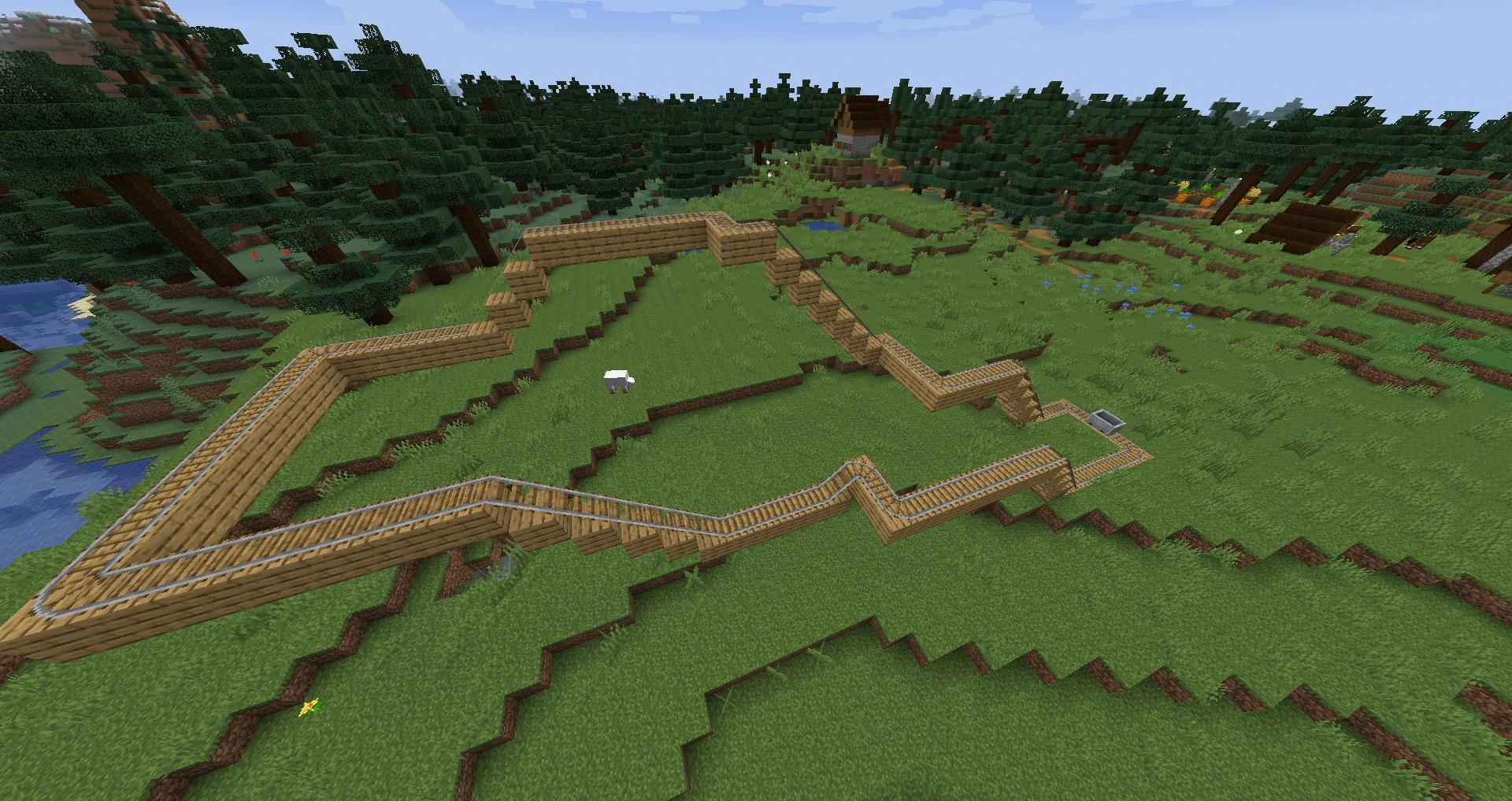
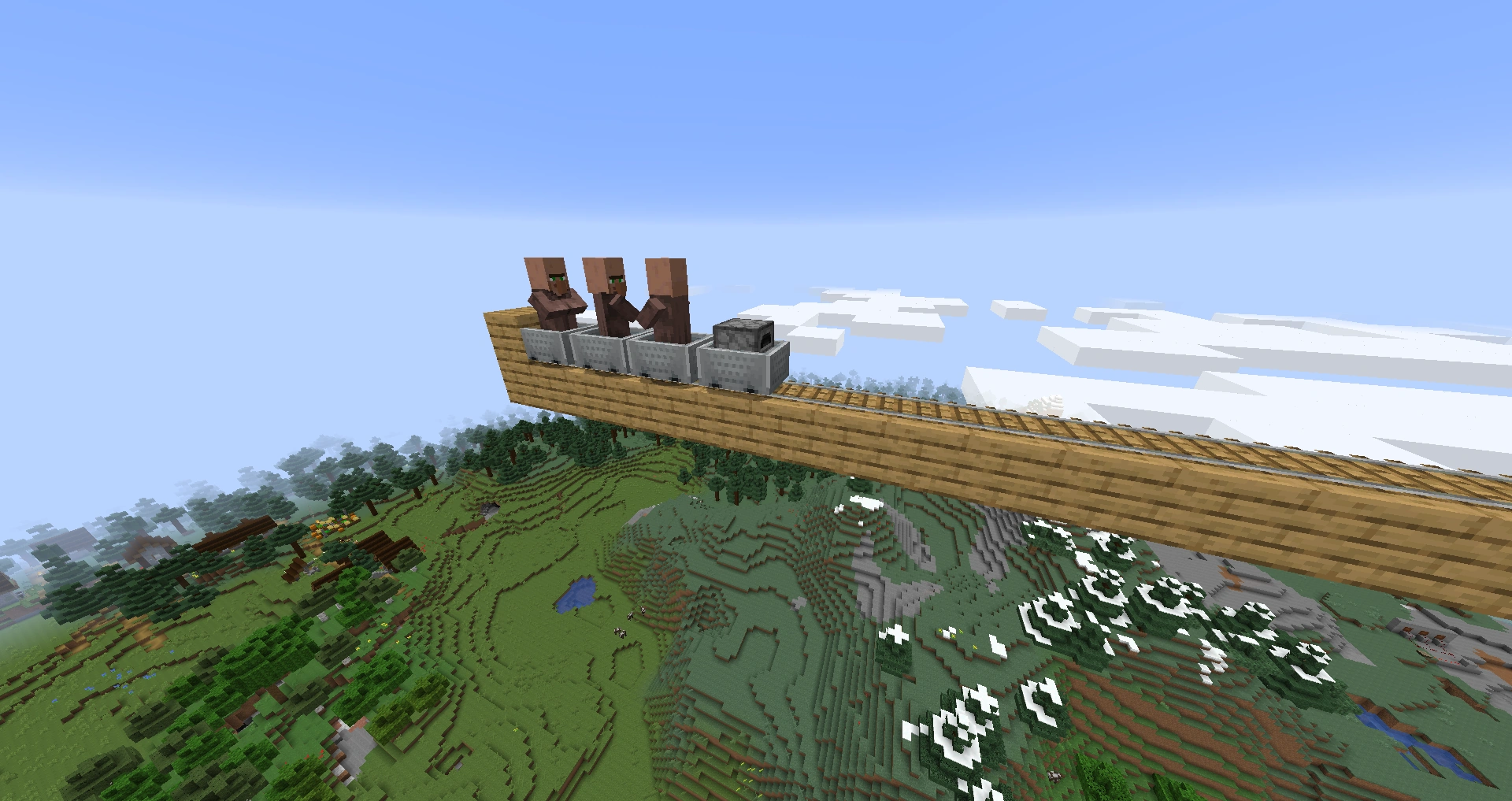
 An example of a track with curves and ramps.
 -
 An example of how to use the tracks as a roller coaster.
 -
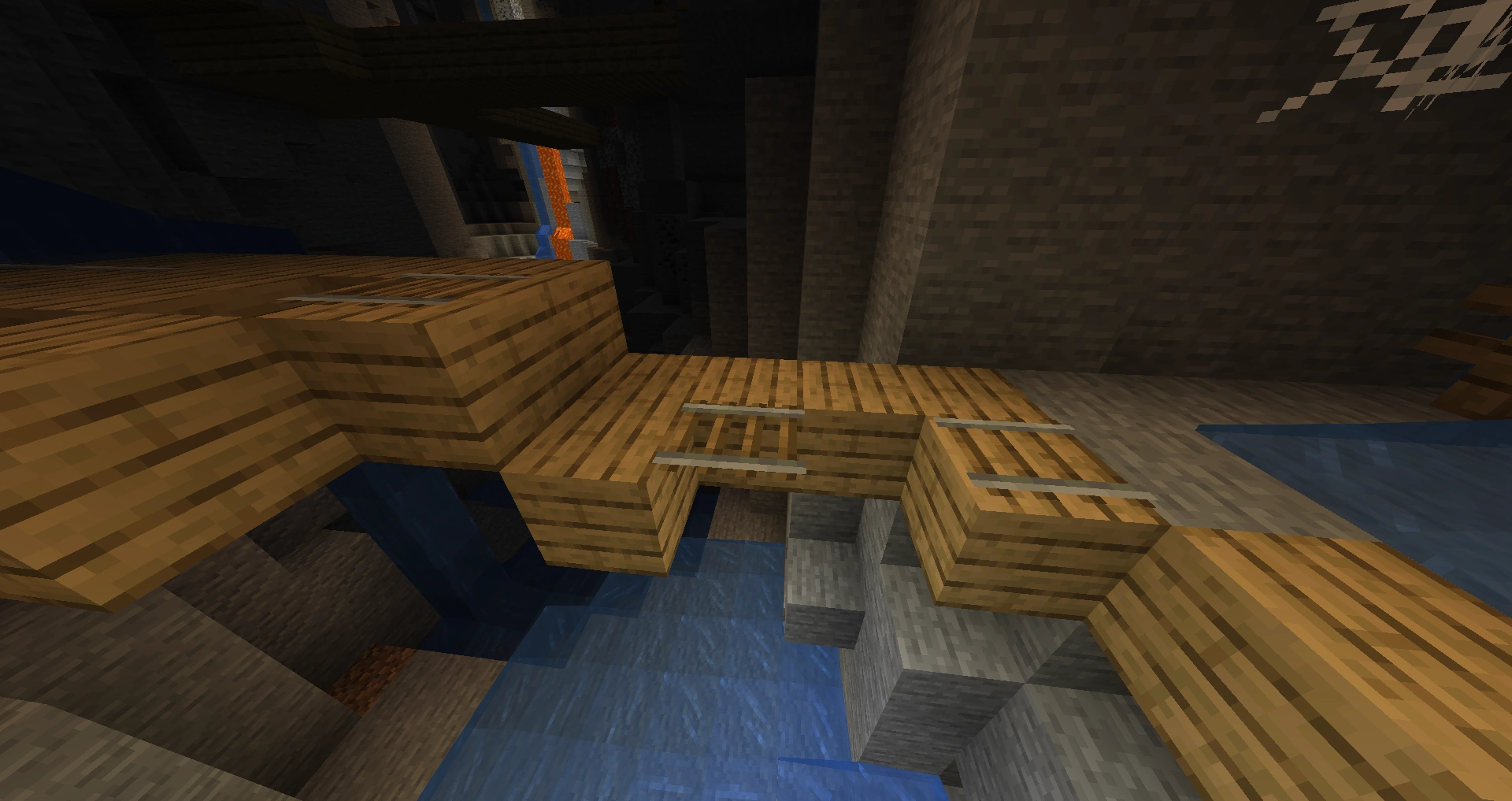
 A randomly generated misplaced rail found in a mineshaft.
 -
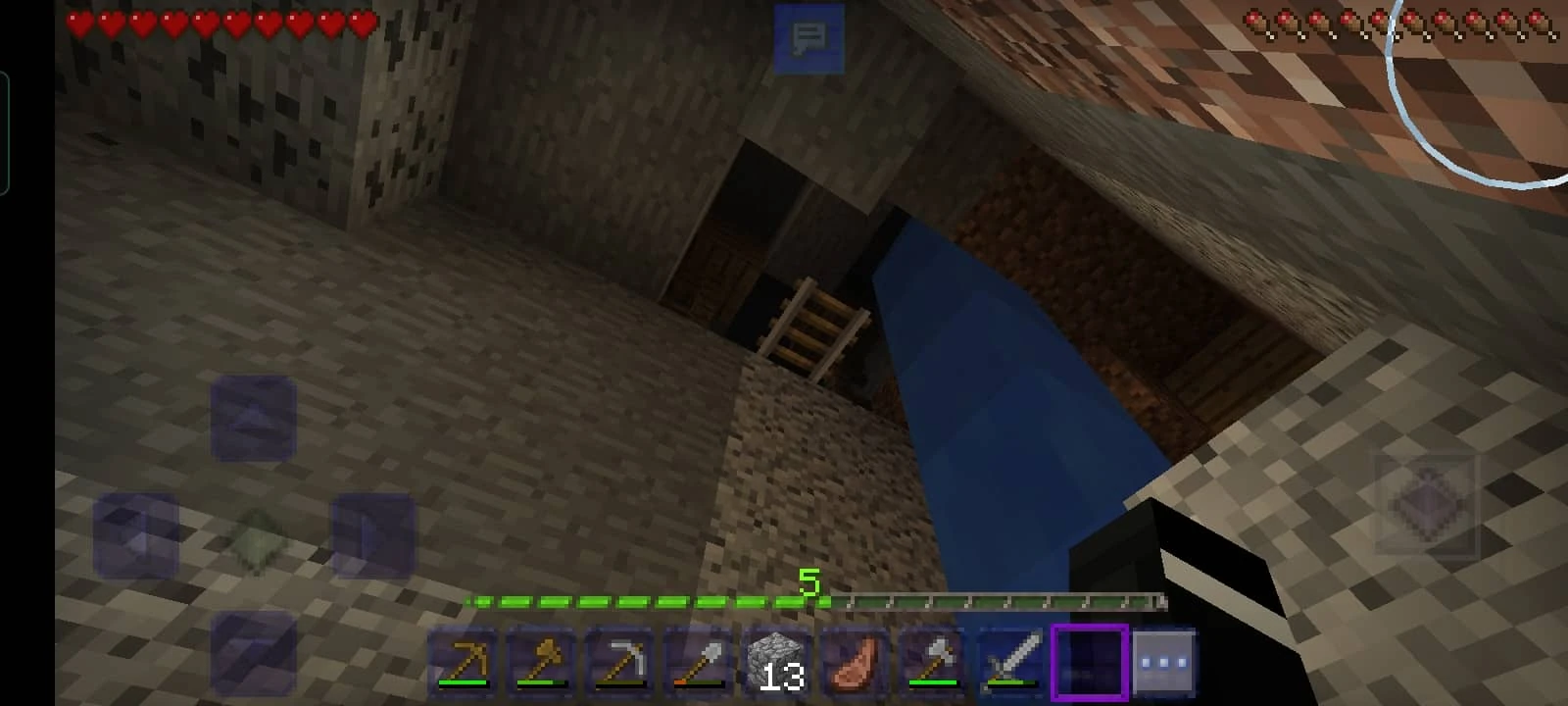
 Three more floating rails in a mineshaft.
 -
 Even more floating rails.
 -

-
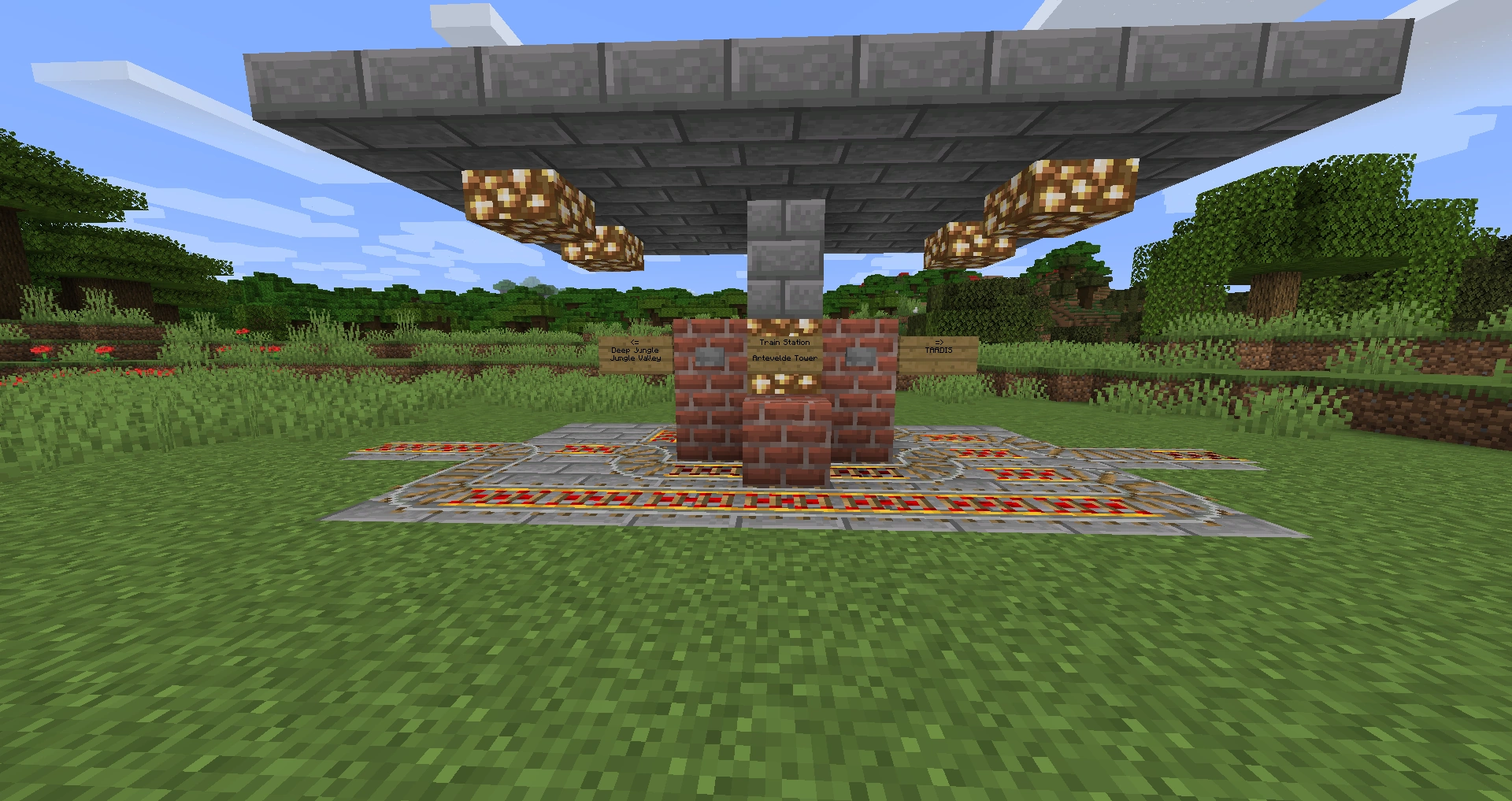
 A railroad stop without any redstone switching mechanisms, based purely on the one-way curve intersection behavior.
 -
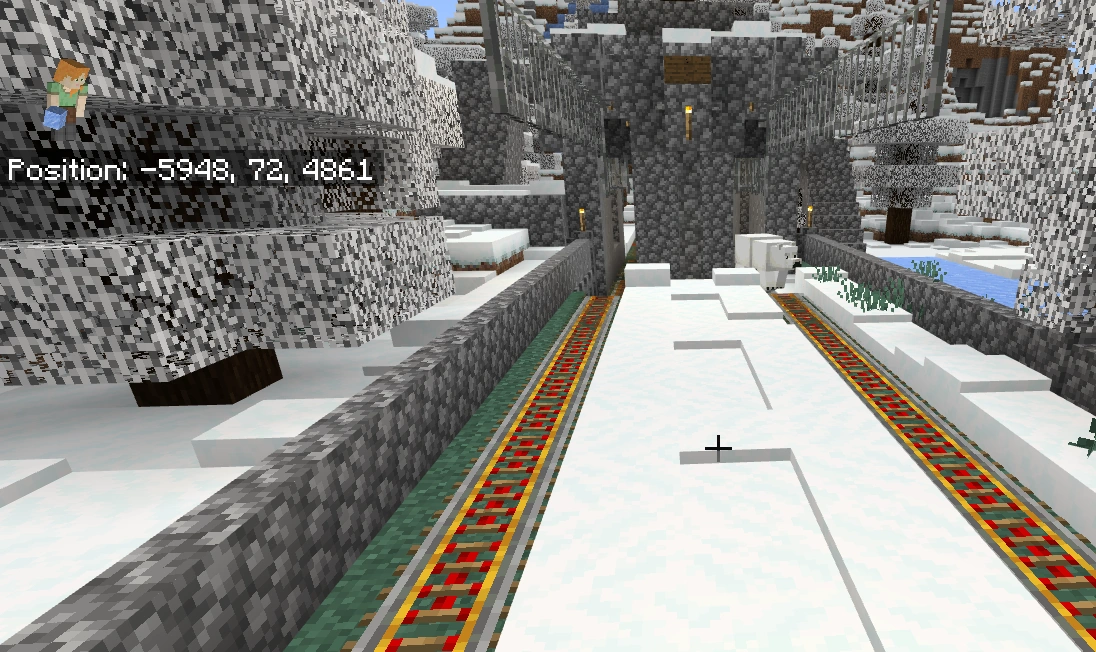
 A polar bear intentionally walking on powered rails due to the fact that it spawned inside a ski resort's ski lifts. This is an example of odd behavior of mobs, since they don't walk on rails.
Animations
-

 An example of sticky piston use with rails.