The pause menu is one of Minecraft's multiple menu screens. Activated during gameplay, it provides a portal to configure game options, quit out of a world, and more.
This menu can be accessed anytime (when not in a GUI) by pausing the game with the Esc key by default.
Features
Pausing the game
When a player enters the pause menu, the game completely freezes until the player returns back to game. In Bedrock Edition, it only works on singleplayer mode worlds.
Buttons
Java Edition
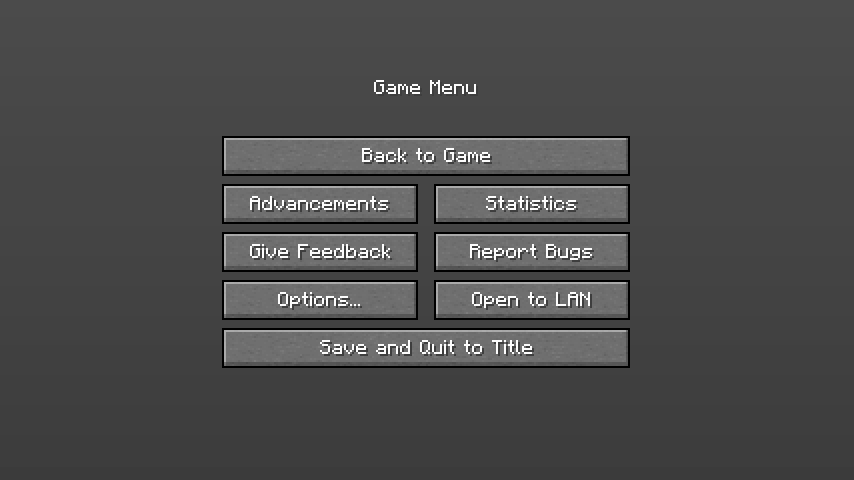
The pause screen in Java Edition.
| Option | Description |
|---|---|
| Back to Game | Closes the pause menu and allows the player to continue playing Minecraft. |
| Advancements | Shows all of the advancements the player has and hasn't completed. |
| Statistics | Shows the player's statistics. |
| Give Feedback | Provides a link to the feedback site. |
| Report Bugs | Provides a link to the Java Edition page on bug tracker. |
| Options... | Opens the "options" menu, which can change the difficulty, controls, settings, resource packs, music, sounds, and more. |
| Open to LAN | Provides an option to allow players from the local network to play in this world. |
| Player Reporting | Used to report players for abusive messages. Note that it is only accessible in multiplayer worlds. |
| Save and Quit to Title | Saves the game's progress and goes back to the menu screen. |
Bedrock Edition
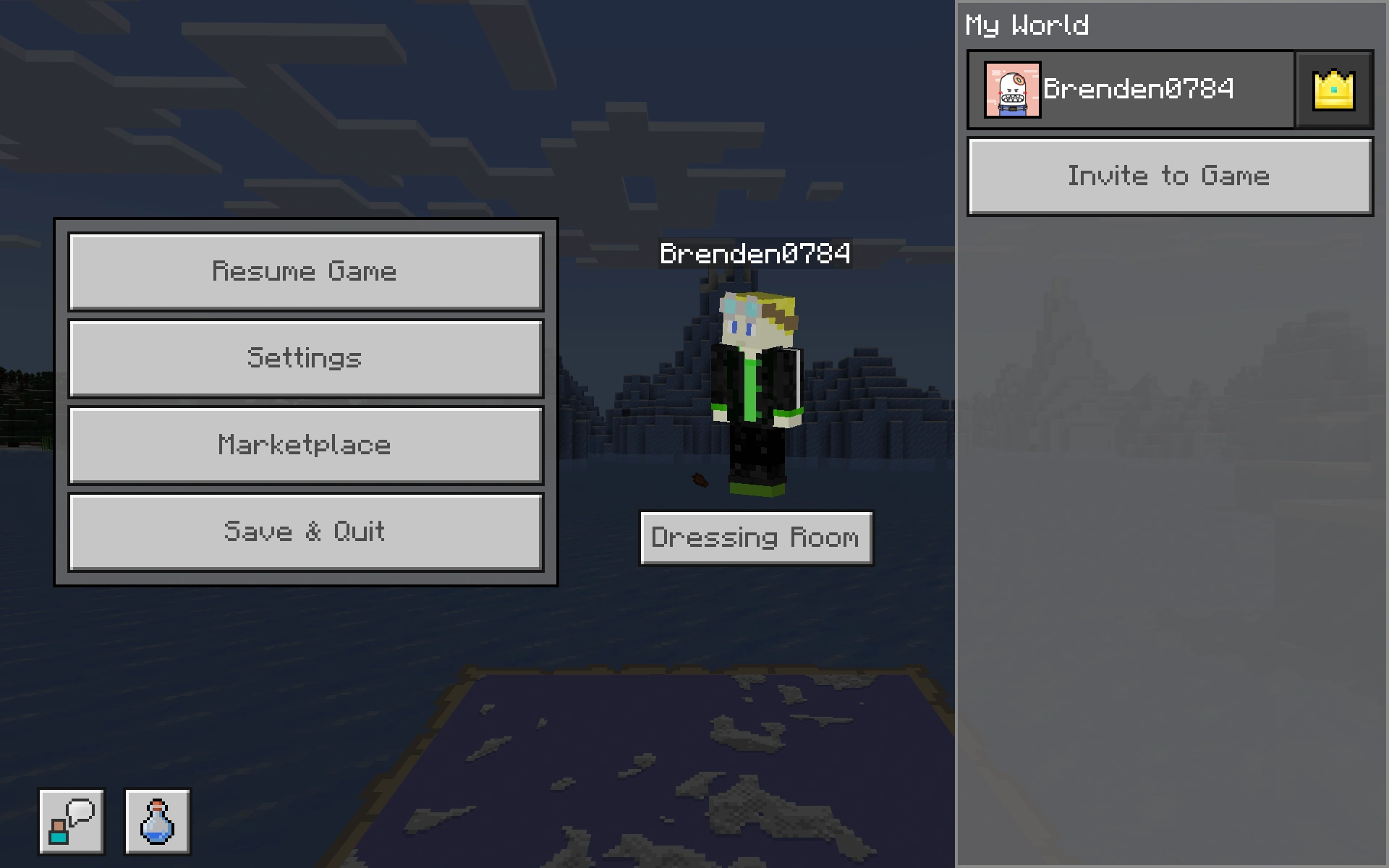
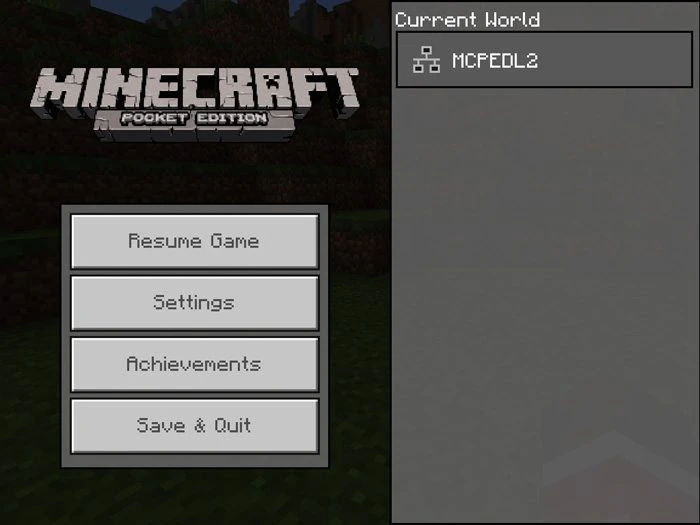
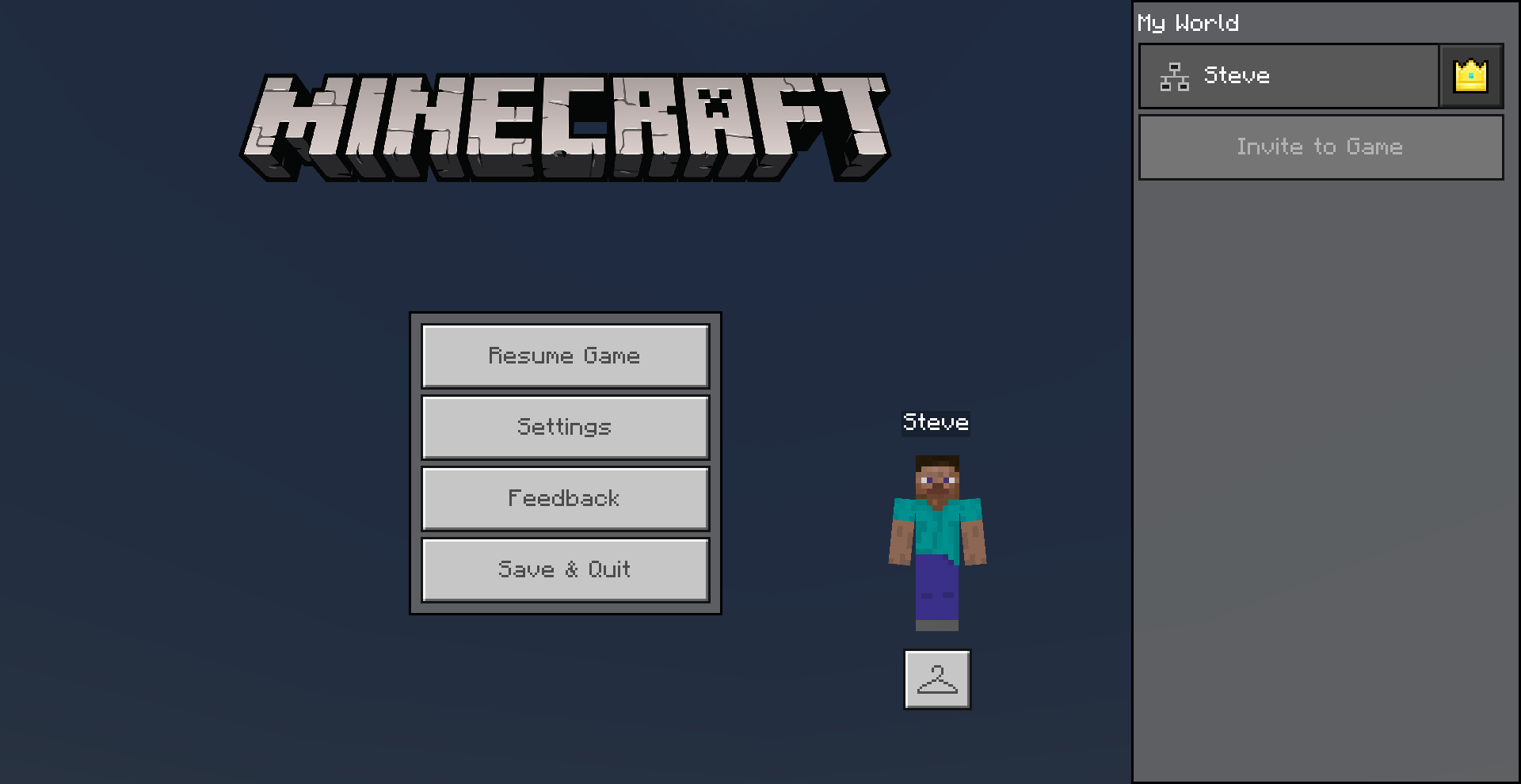
The pause screen in Bedrock Edition.
| Option | Description |
|---|---|
| Resume Game | Closes the pause menu and allows the player to continue playing Minecraft. The pause menu does not actually pause the game; it continues running even in single-player mode. |
| Settings | Opens the Settings menu, which allows the player to configure controls, difficulty, sounds, and more. |
| Marketplace | Opens the Marketplace. |
| Save and Quit | Saves the game's progress and goes back to the menu screen. |
| Dressing Room (below player skin) | Allows the player to change their skin and access the character creator. |
| Feedback
(speech bubble icon, bottom left) |
Opens the Minecraft Feedback site. |
| Achievements
(potion icon, bottom left) |
Shows all of the achievements the player has and hasn't completed. |
Sounds
| Sound | Subtitles | Source | Description | Resource location | Translation key | Volume | Pitch | Attenuation distance |
|---|---|---|---|---|---|---|---|---|
| None | Master Volume | When a menu button is clicked | ui | None | 0.25 | 1.0 | 16 |
| Sound | Source | Description | Resource location | Volume | Pitch |
|---|---|---|---|---|---|
| Sound | When a menu button is clicked | random | 0.2 | 1.0 |
History
| Java Edition Classic | |||||
|---|---|---|---|---|---|
| 0.0.13a | Added the pause menu, which, like today, could be opened by pressing ESC. | ||||
| 0.0.13a_03 | Added "Game menu" title. | ||||
| 0.0.14a | 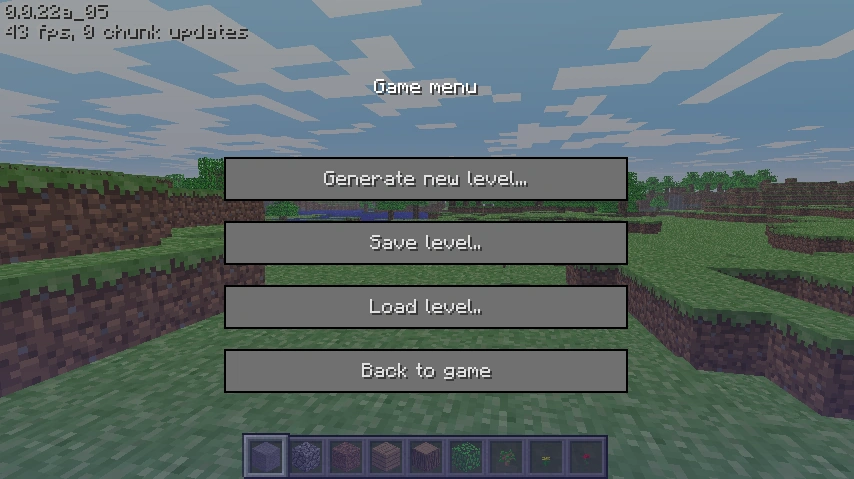 Changed "Generate new level" to "Generate new level..." button. Changed "Generate new level" to "Generate new level..." button. | ||||
| 0.0.23a | 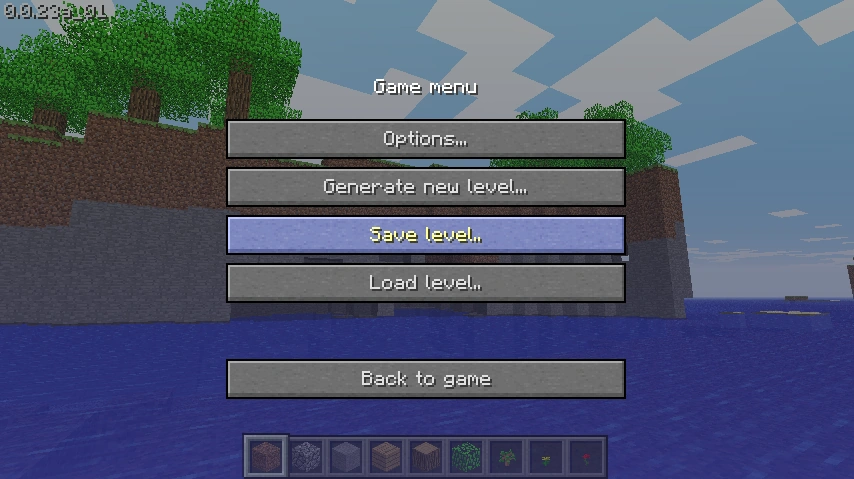 Added "Options..." button. Added "Options..." button.
| ||||
| Menu buttons now have a stone like texture. | |||||
| Java Edition Indev | |||||
| 20100206-1 | Pause menu now stops the game. | ||||
| Java Edition Infdev | |||||
| 20100327 | 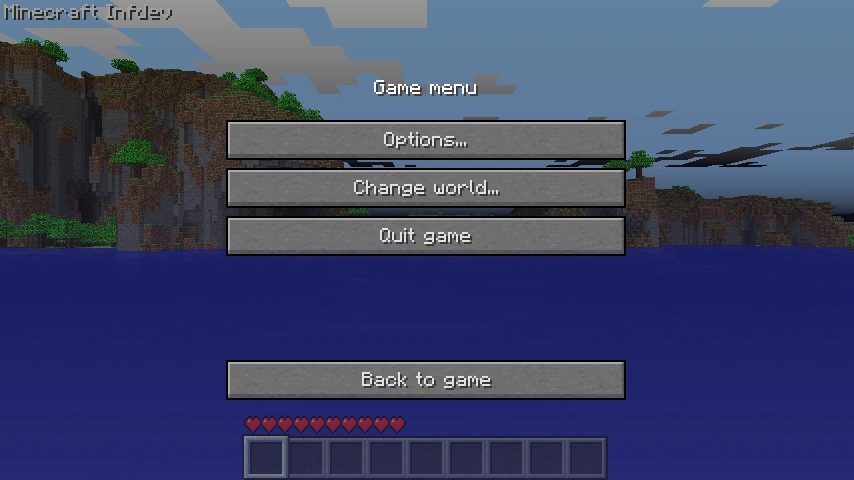 Added "Change world..." and "Quit game" buttons. Added "Change world..." and "Quit game" buttons.
| ||||
| Removed "Generate new level...", "Save level..", and "Load level.." buttons. | |||||
| 20100608 | 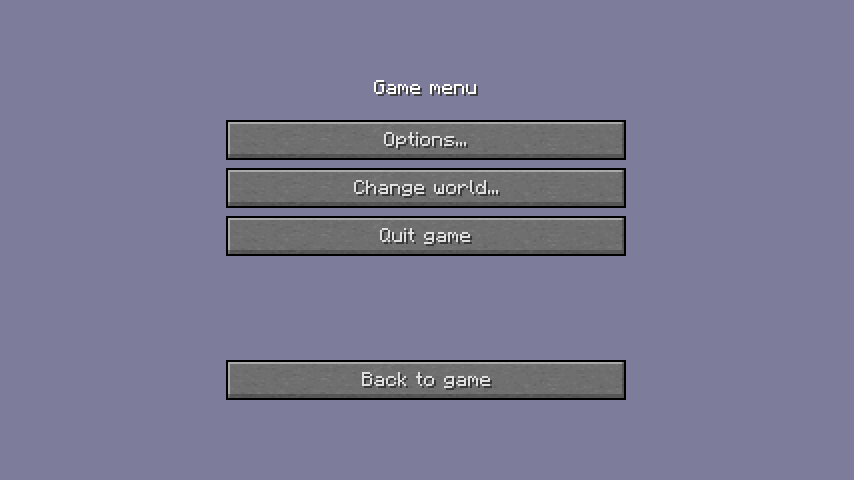 Changed background overlay. Changed background overlay. | ||||
| 20100624 | 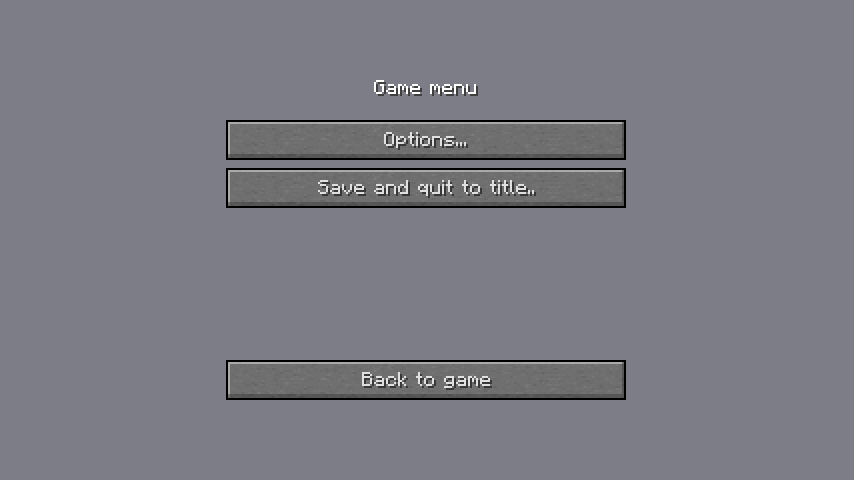 Changed "Quit game" to "Save and quit to title.." button and background overlay. Changed "Quit game" to "Save and quit to title.." button and background overlay.
| ||||
| Removed "Change world..." button. | |||||
| 20100629 | 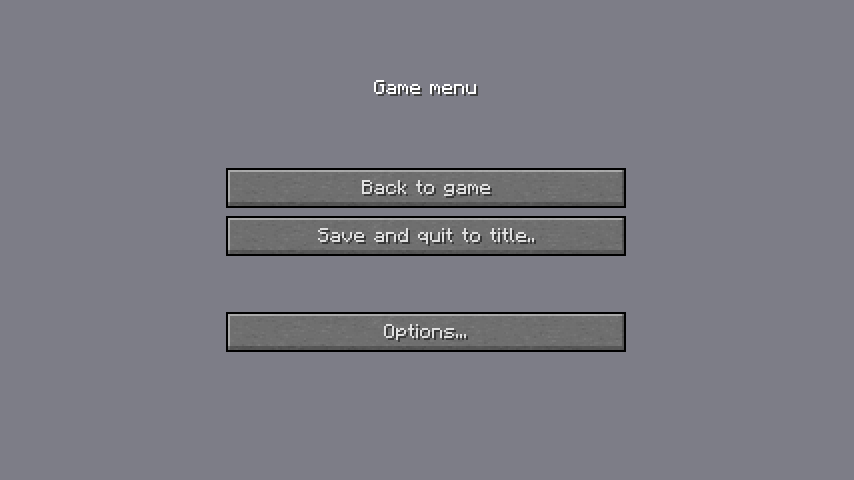 Moved buttons closer to center and swapped "Back to game" and "Options..." buttons. Moved buttons closer to center and swapped "Back to game" and "Options..." buttons. | ||||
| Java Edition Alpha | |||||
| v1.0.9 | 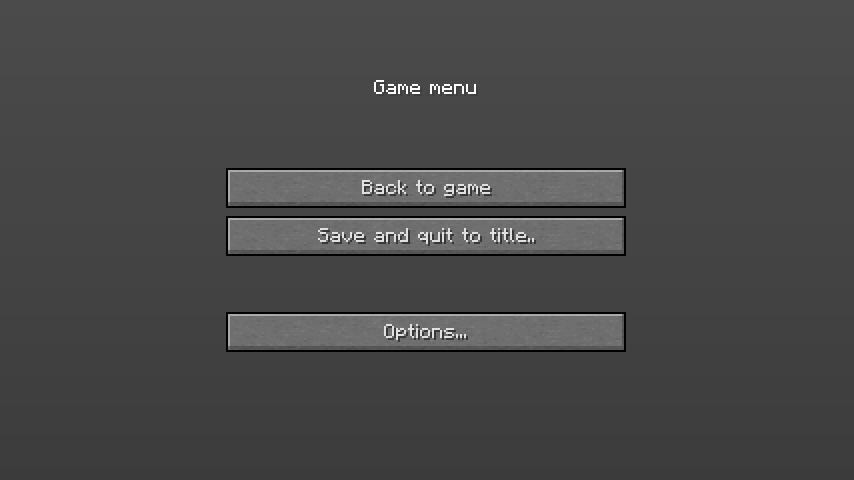 The background overlay has now been darker. The background overlay has now been darker. | ||||
| v1.0.12 | Changed "Save and quit to title.." to "Save and quit to title". | ||||
| Java Edition Beta | |||||
| 1.5 | 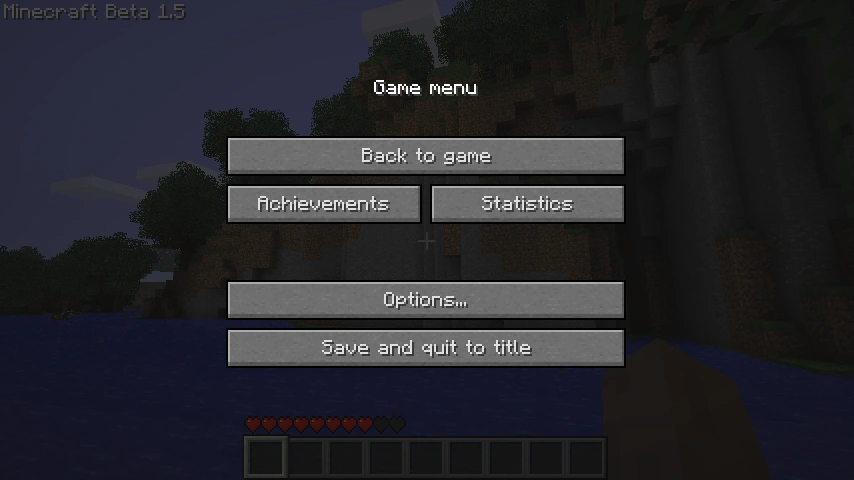 Added "Achievements" and "Statistics" buttons. Added "Achievements" and "Statistics" buttons. | ||||
| Java Edition | |||||
| 1.1 | 11w49a | 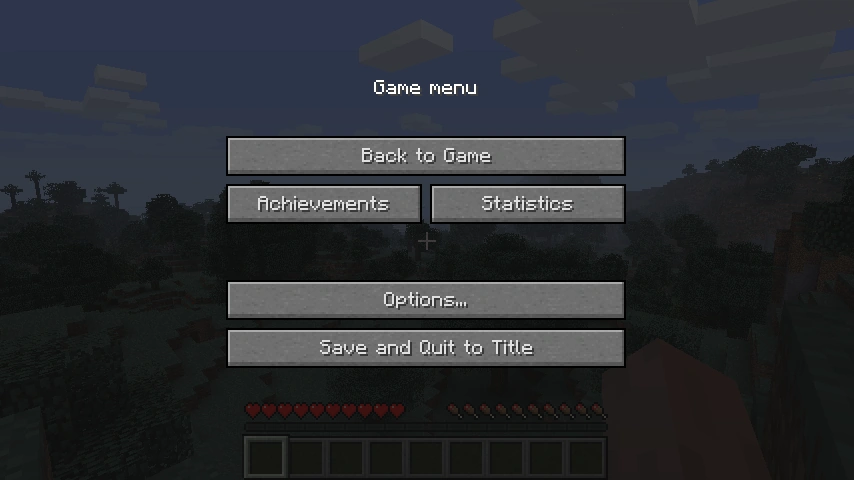 Changed "Back to game" to "Back to Game" and "Save and quit to title" to "Save and Quit to Title" buttons. Changed "Back to game" to "Back to Game" and "Save and quit to title" to "Save and Quit to Title" buttons. | |||
| 1.3.1 | 12w18a | The "Saving level..." text no longer appears in the pause menu among several other features broken by this version.[check the code] | |||
| 12w25a | 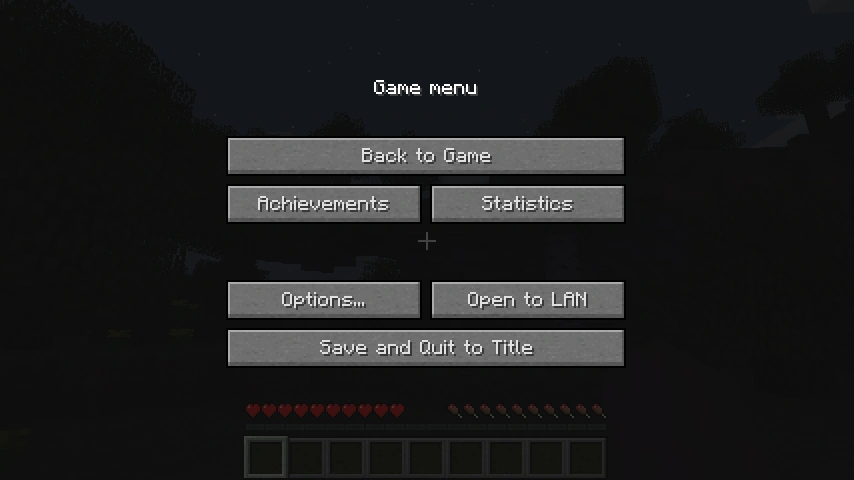 Added "Open to LAN" button. Added "Open to LAN" button. | ||||
| 1.11 | 16w38a | Capitalized "Game menu" to "Game Menu" title. | |||
| 1.12 | 17w13a | 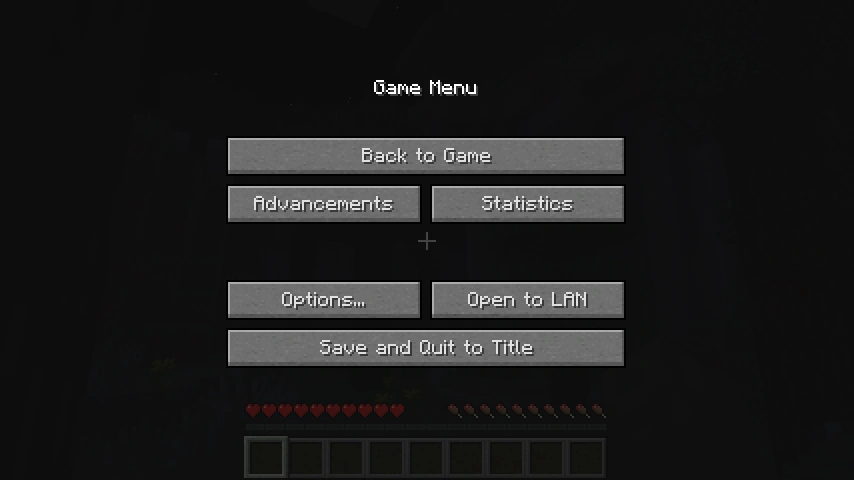 Changed "Achievements" to "Advancements" button. Changed "Achievements" to "Advancements" button. | |||
| 1.14 | 18w43a | Added the "Give Feedback" and "Report Bugs" buttons. | |||
| 1.19.1 | 22w24a | Added a "Player Reporting" button, which is only visible while on a server. | |||
| 1.19.3 | 22w43a | 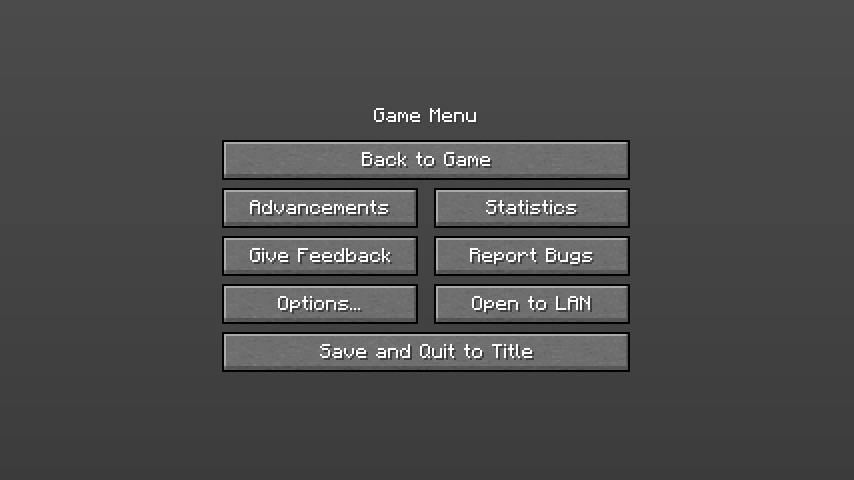 Moved down title and buttons. Moved down title and buttons. | |||
| pre1 | Reverted 22w43a changes. | ||||
| Bedrock Edition | |||||
| 1.9.0 | beta 1.9.0.2 | Added "Feedback" button to the pause menu. | |||
| 1.17.30 | beta 1.17.30.20 | The feedback button now appears at the down left as an icon. | |||
| The options, achievements or invite button now appear besides the feedback button. | |||||
| 1.21.60 | 1.21.60.21 | Added an ability to pause the game in singleplayer mode worlds when a player enters the pause menu. Currently, it is only available in beta and preview. | |||
| 1.21.70 | Ability to pause the game in singleplayer mode worlds when a player enters the pause menu is now available and no longer exclusive to preview. | ||||
| Upcoming Bedrock Edition | |||||
| 1.21.120 | beta 1.21.120.21 | Redesigned the pause menu. | |||
Gallery
Pocket Edition
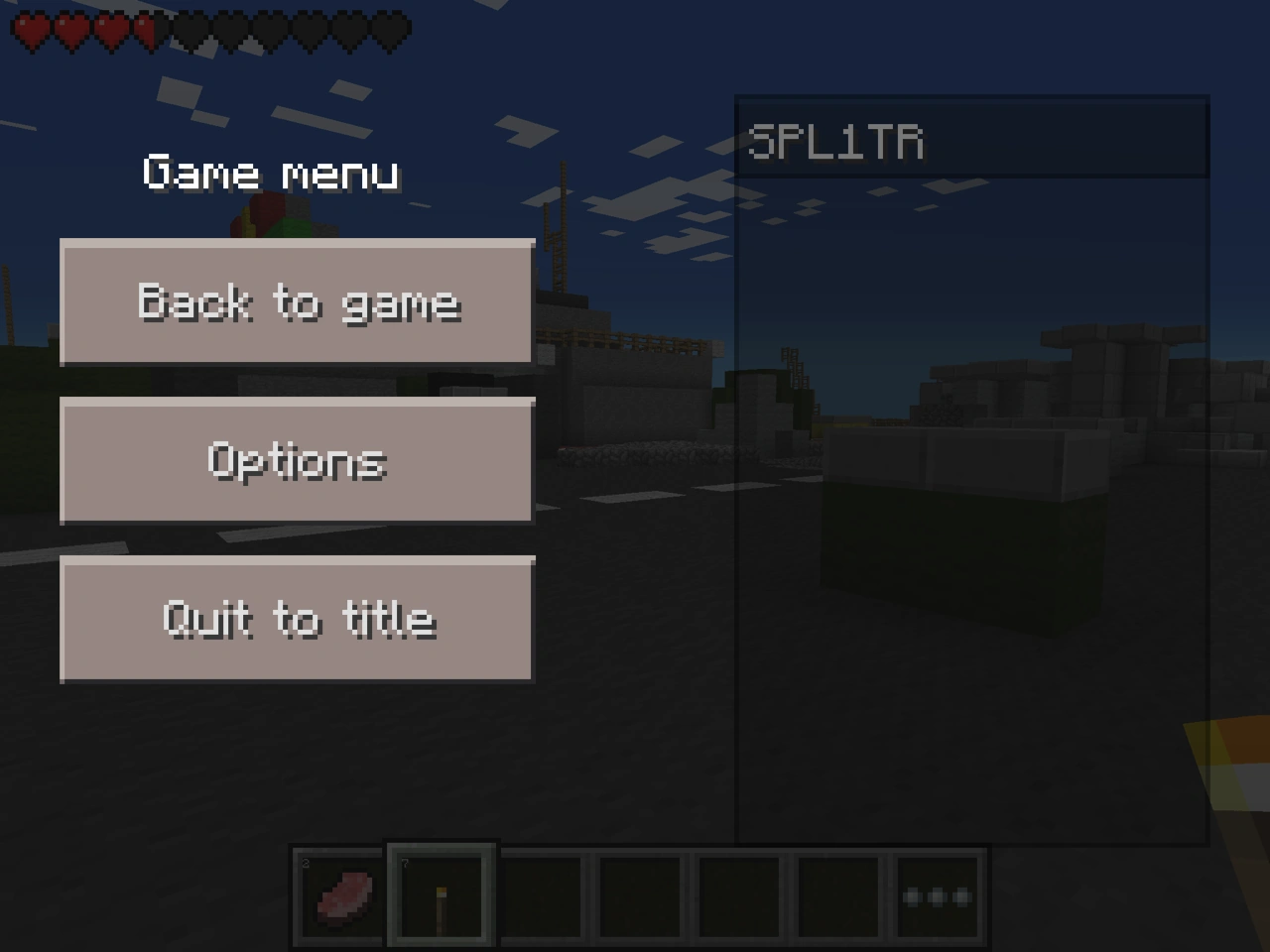
Bedrock Edition
-
 v0.16.0 alpha build 1 - 1.2.0.2
 -
 1.2.0.7 - 1.17.20.23
 -
The current pause menu. 1.17.30.20 - v26.20


See also
References
| Help | |||||||||||||||||||
|---|---|---|---|---|---|---|---|---|---|---|---|---|---|---|---|---|---|---|---|
| Menu screens |
| ||||||||||||||||||
| Game customization | |||||||||||||||||||
| Editions |
| ||||||||||||||||||
| Miscellaneous | |||||||||||||||||||