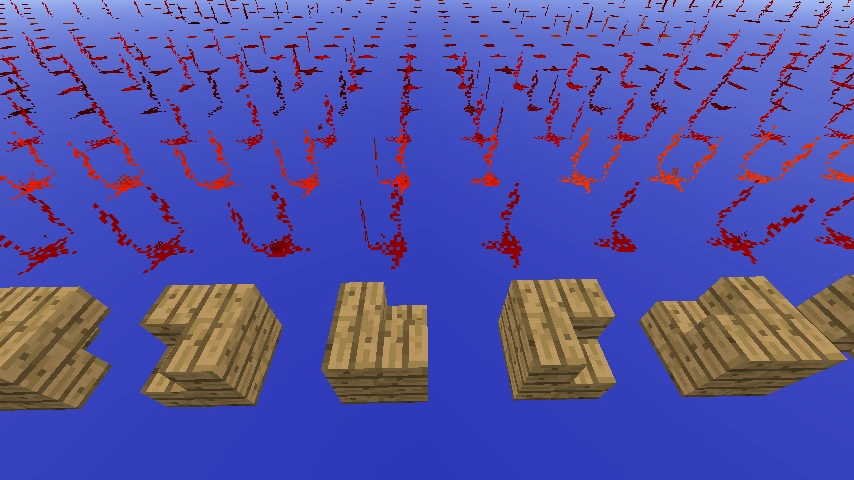
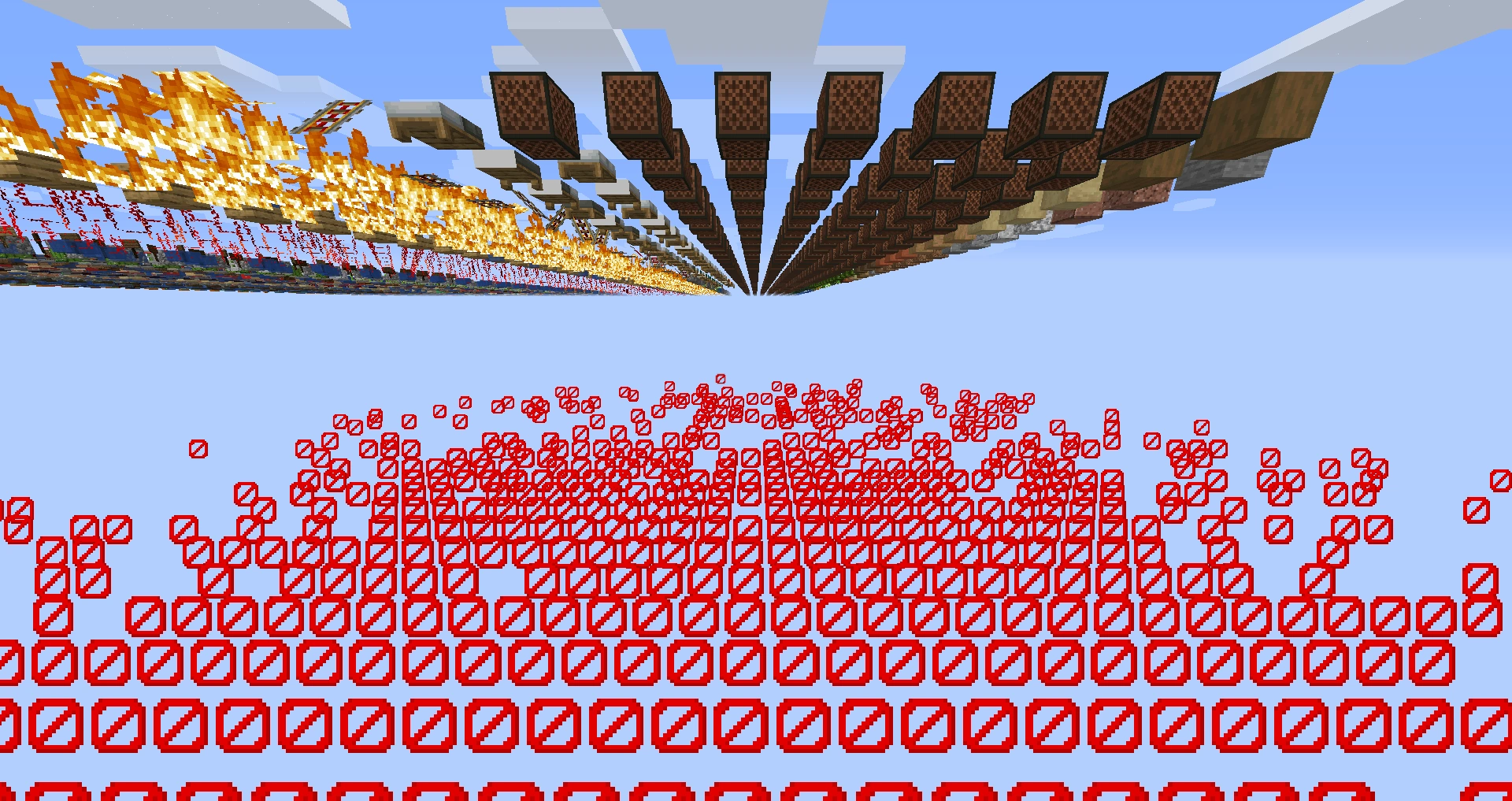


View at: Template:Environment/content [edit]
This article is about the world type. For other uses, see Debug.

This feature is exclusive to Java Edition.
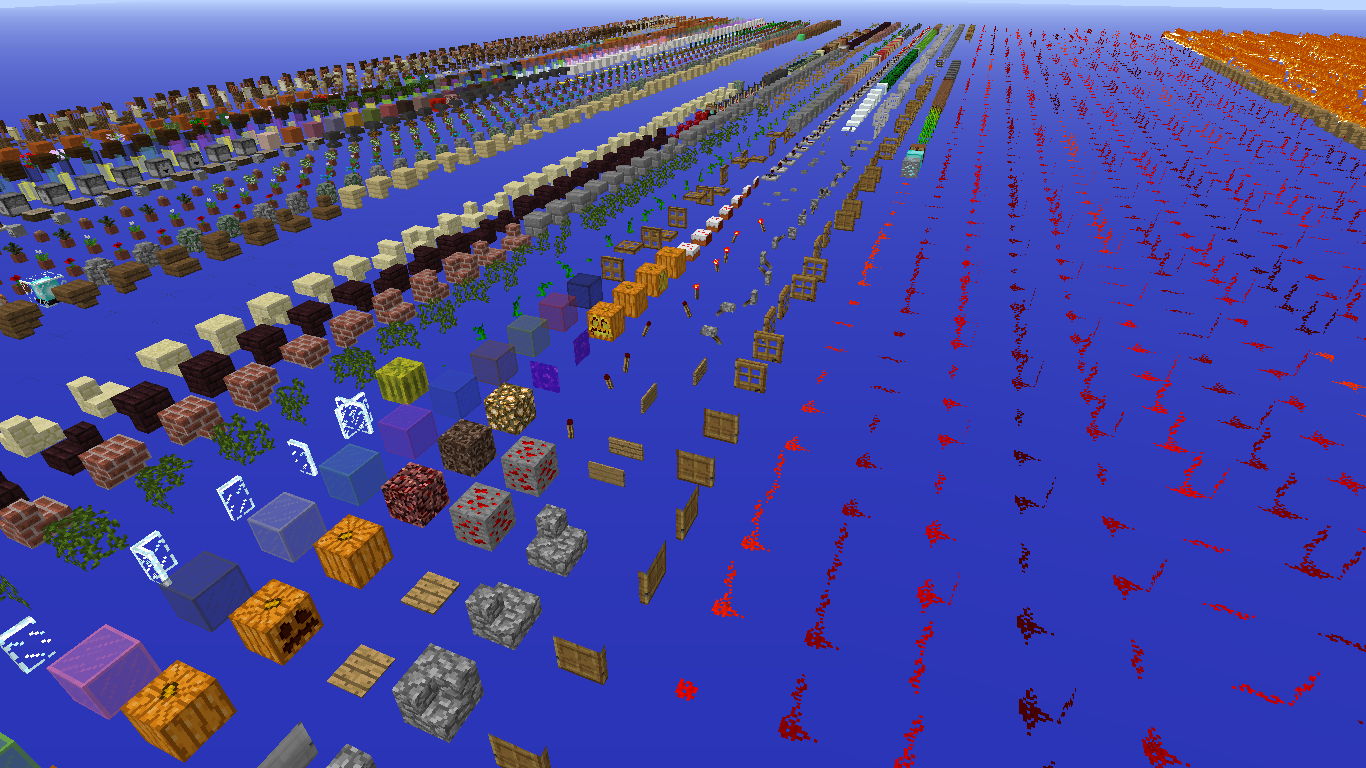
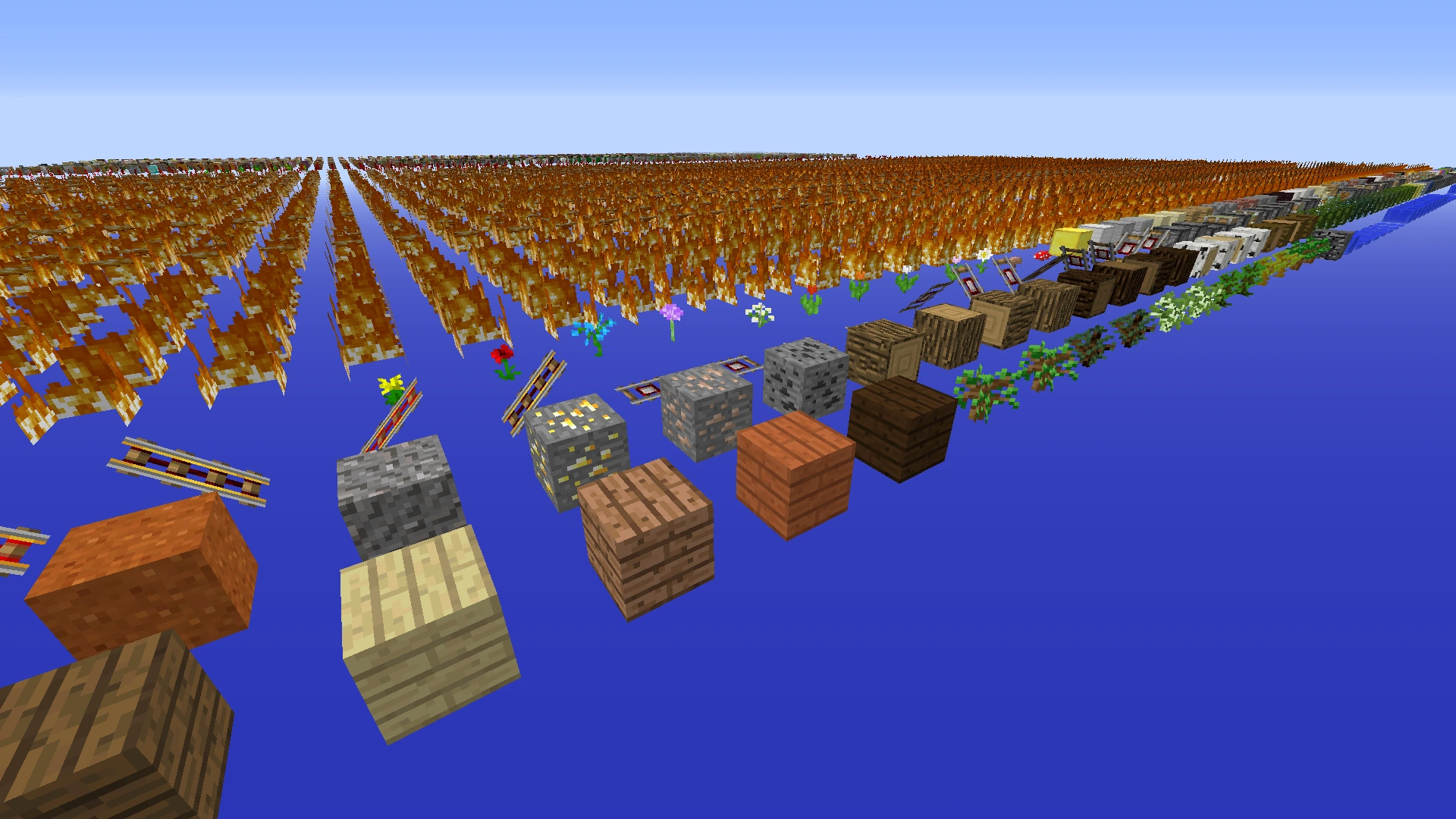
The world generation in an SUPER early version of debug mode
Debug mode usually refers to a world preset used to test block states, block models, and textures.
Debug mode can also refer to a dimension generator type (minecraft:debug) that generates a blocks grid, which is used in the "Debug mode" world preset, and can also be used in custom dimension.
Debug mode can also refer to a state of a world, if the overworld uses the "debug" generator, the world goes into the debug mode state. In this state, blocks can't be changed even in creative mode or with commands.
Debug Mode World Preset
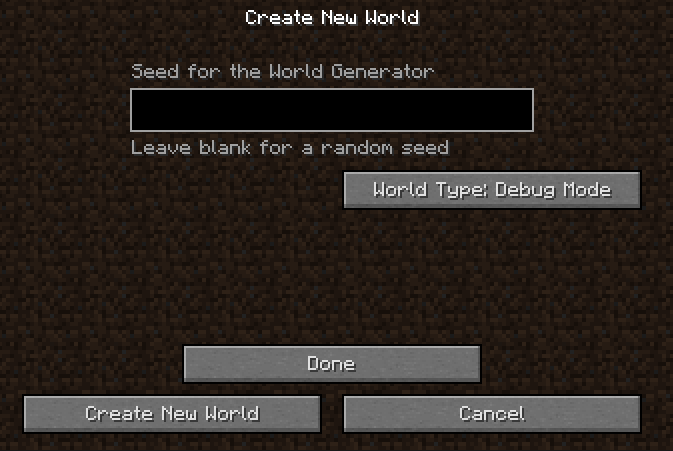
Debug mode selected; note that all of the other world settings are unavailable.
To select the debug mode, hold the Alt key while clicking the "World Type" button in the world creation menu. Debug mode is the world type directly after Single Biome, and just before default preset.
Upon selecting debug mode, the "Bonus Chest", "Generate Structures", "Allow Cheats" and "Data Pack" options are removed from the menu. The game mode is set to Spectator, and the difficulty is locked on peaceful, and cheats are enabled. The game rule doDaylightCycle is forced to false, while other game rules are forced to default value.
Debug Generator
The minecraft:debug generator contains all blocks, in all of their existing block states, organized in a single world. The world updates automatically to include any new registered block IDs that are added. Therefore, this mode is useful not only to Mojang developers, but also to creators of resource packs and mods.
Block grid
-
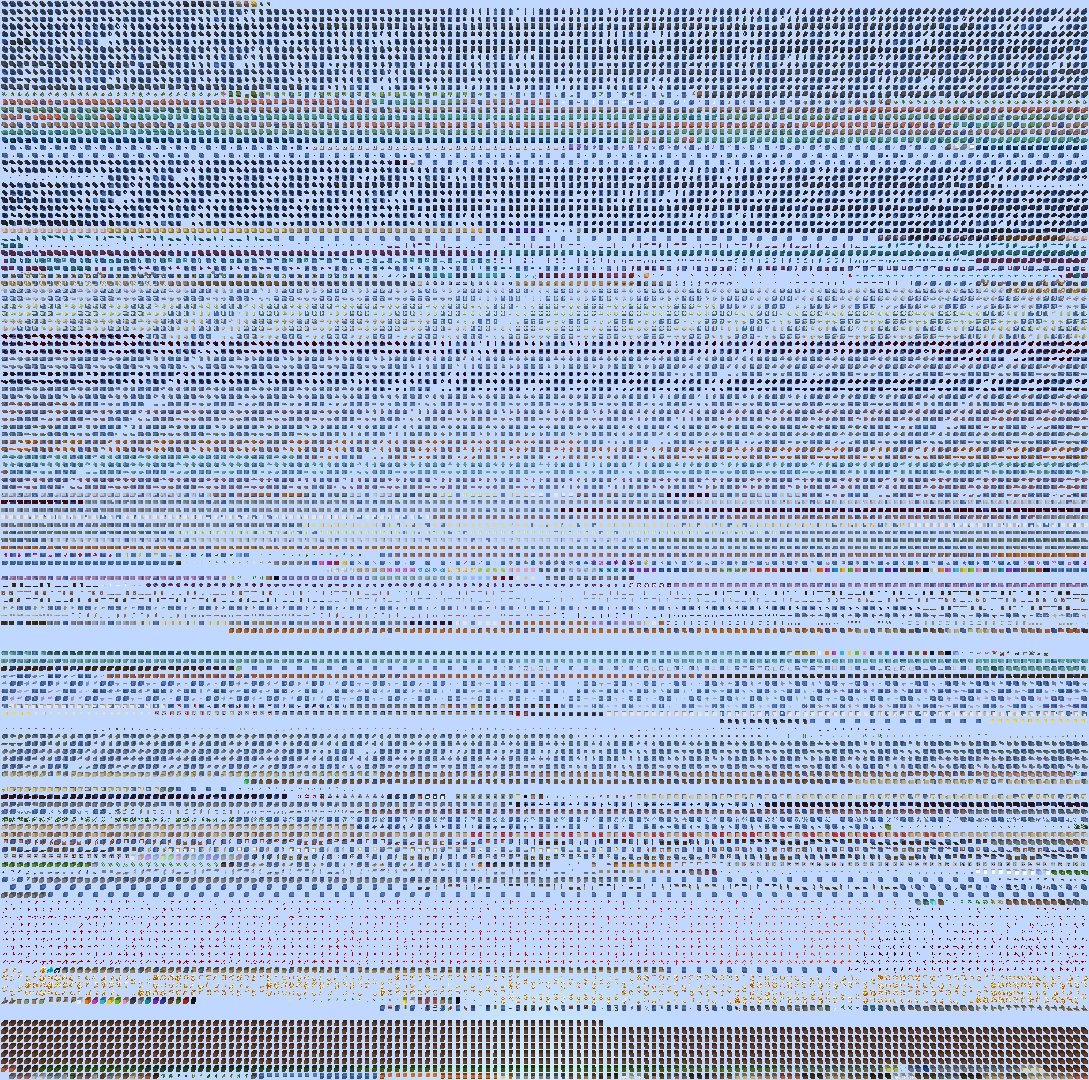
 The entire grid as seen from above. East is up.
Every block state generates only once. They are sorted in a grid spread across an altitude of y=70. The block grid changes its size according to the number of blocks and block states available, roughly resembling a square (as of 1.14.2, 213 in width and 211 eastward), occupying the +X,+Z (southeast) quadrant.[1]
A barrier floor at y=60 also spawns, extending past the grid in all directions to the world boundary. Other than the barrier floor, the remainder of the map is empty.
Debug Mode State
Debug mode can refer to a state of the world. If the Overworld uses the "debug" generator, the world goes into the debug world state.
World Generation
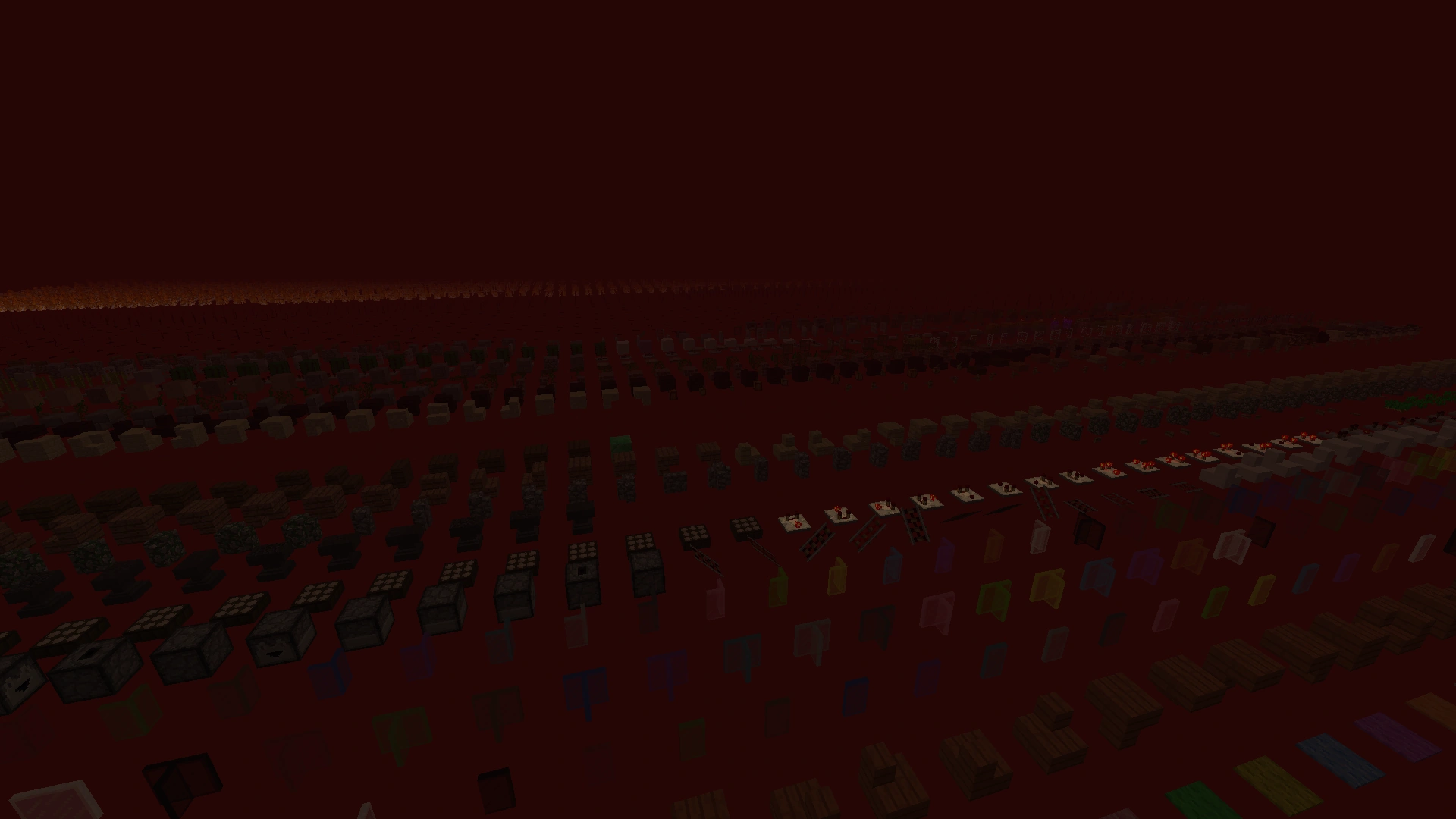
View of the Nether debug world
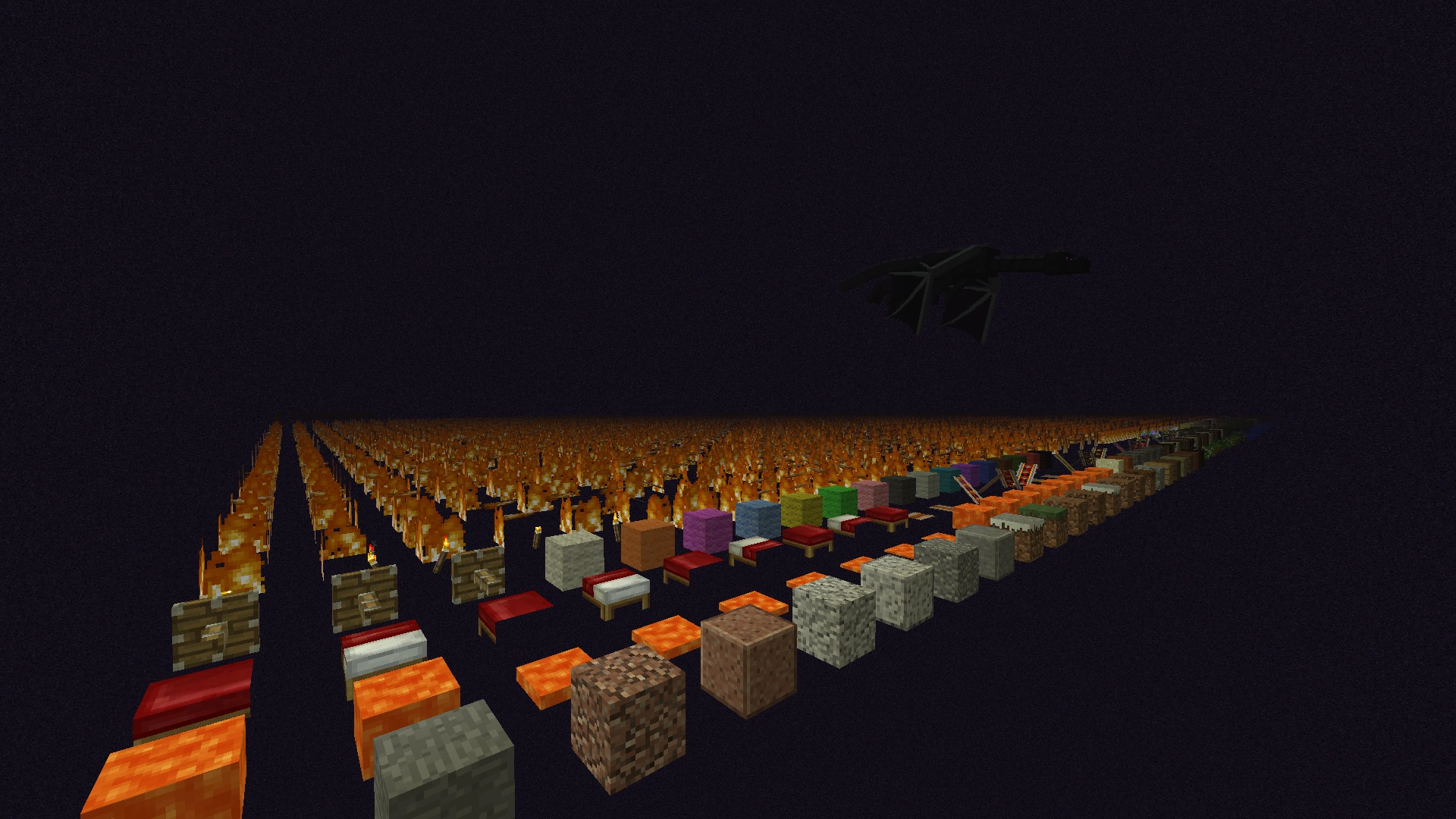
View of the End debug world
If a Nether portal or End portal is used, or teleported using /execute, the player enter other dimensions. The sky, light level and other properties remain appropriate to the dimension.
In this state, all the dimensions are forced to use the "debug" generator. The chunk rendering may not update by itself in these dimensions, resulting in the need to right-click a block to render a new chunk.
In the vanilla End, the ender dragon and its end crystals still spawn, although the dragon cannot break or interact with blocks.
World behavior
It is impossible to change, place or remove any block, even by the game itself.
Chunk's chunk tick (including random ticks) does not execute.
No entity spawns naturally.
Any block whose interactions do not change its block state can still be used (including chests, beds, cake, etc.). Although a block's state cannot change, its block entity data can change, either through normal player interaction or with the use of the /data command.
These unique properties of debug mode can cause certain blocks to behave in unexpected ways, though due to the arrangement of blocks next to one another, not all may be seen in every version:
- Water and lava cannot be removed by buckets, but still fills an empty bucket in Survival mode. If the player empties the bucket, the lava or water blocks turn invisible.
- Bells can still be rung.
- Cauldrons clean leather armor and banners, but cannot be filled by buckets.
- Flying through a pressure plate with powered stated false, or a weighted pressure plate with power state 0, causes it to produce the pressure plate clicking sound every tick it is pressed.
- Using a comparator in subtract mode causes the block in the direction opposite its
facingproperty to drop as an item.- Warning: If that block is a repeater or a comparator, it drops an infinite amount of itself, likely crashing the game.
- Any summoned falling_block entities drops as an item when it hits another block, rather than converting itself to a block.
- Using fence gates, comparators, deactivated buttons, levers, deactivated pressure plates, doors, or trapdoors does not move or change the block, but the sound still plays.
- Using a music disc on an empty jukebox does not change its block state but still plays the music normally.
History
| Java Edition | |||||
|---|---|---|---|---|---|
| 1.8 | 14w26a | Added Debug Mode world type. | |||
| Block entity graphics would disappear when a block is hit, door and trapdoor hitboxes were inconsistent with their state, and not all interfaces were accessible. | |||||
| 14w27a | Different block states are used instead of metadata. | ||||
| Options are disabled when creating the world, and the only game mode you can get upon world creation is Spectator Mode. | |||||
| Block states now generate in a square pattern rather than in an infinite repeating grid. | |||||
| 1.9 | 15w31a | All interfaces are now accessible. | |||
| 15w37a | Block entity graphics are now regenerated (and set to default), when the block is hit. | ||||
| 15w38a | Door and trapdoor hitboxes are now consistent with their state. | ||||
| 1.16 | 20w22a | Blocks in the debug world have been changed to be breakable and interactable with, unlike previously where they would regenerate and the world would not be able to be modified.[2] | |||
| Pre-release 1 | Blocks now reappear again. | ||||
| 1.17 | 20w46a | Alt is now used instead of ⇧ Shift to access debug mode in the world creation menu. | |||
-
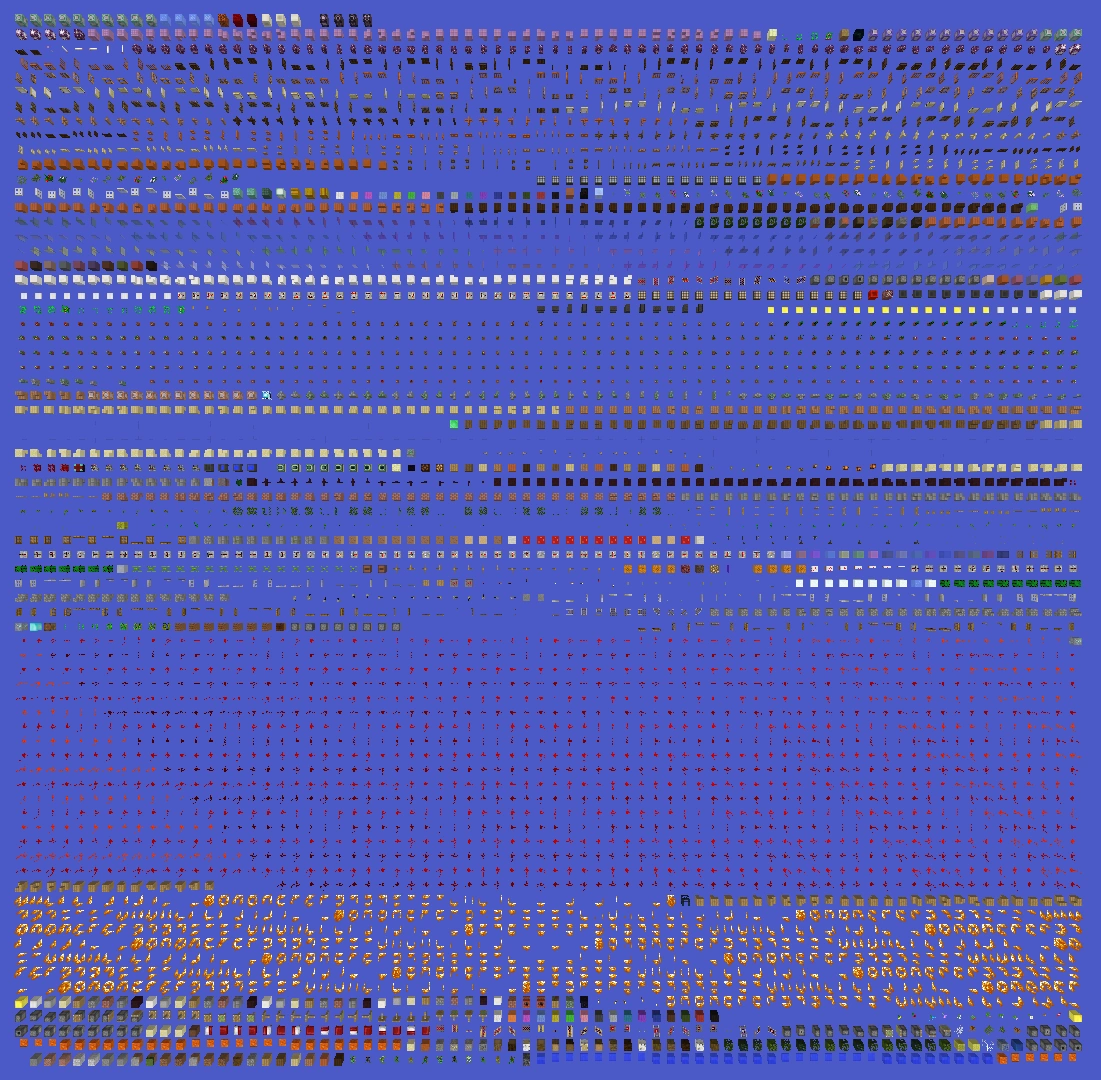
 Debug world in version 14w26b
 -
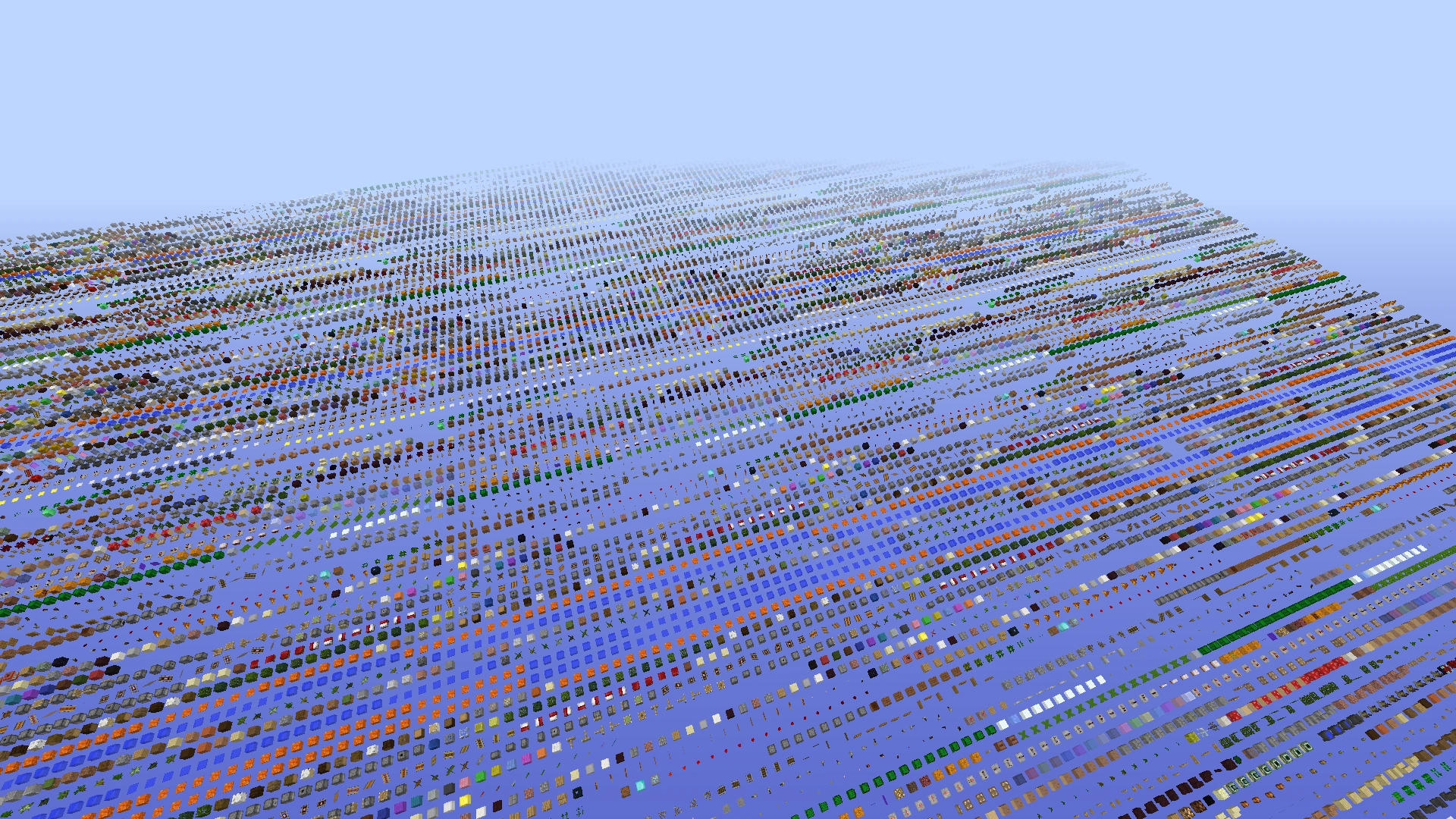
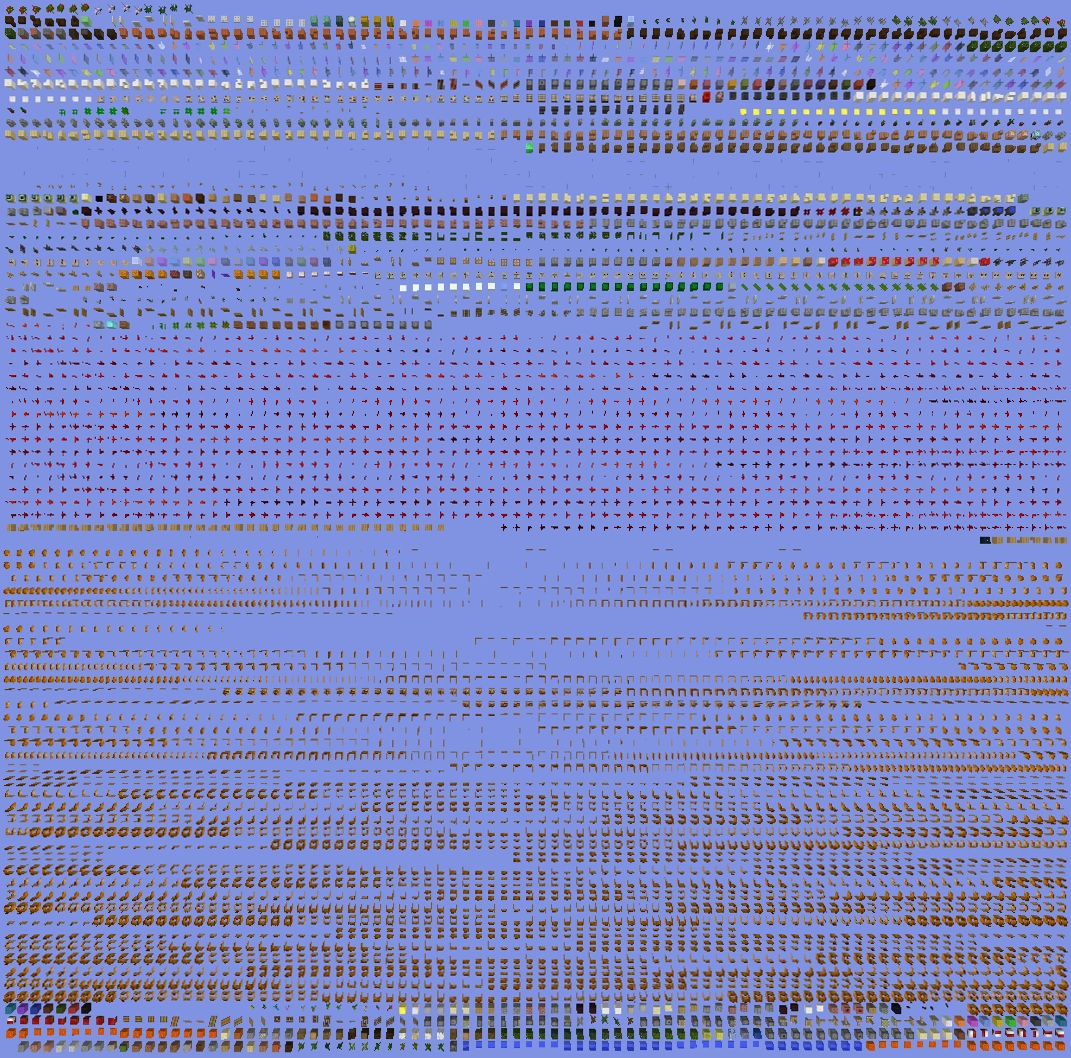
 Large overview (14w26b)
 -
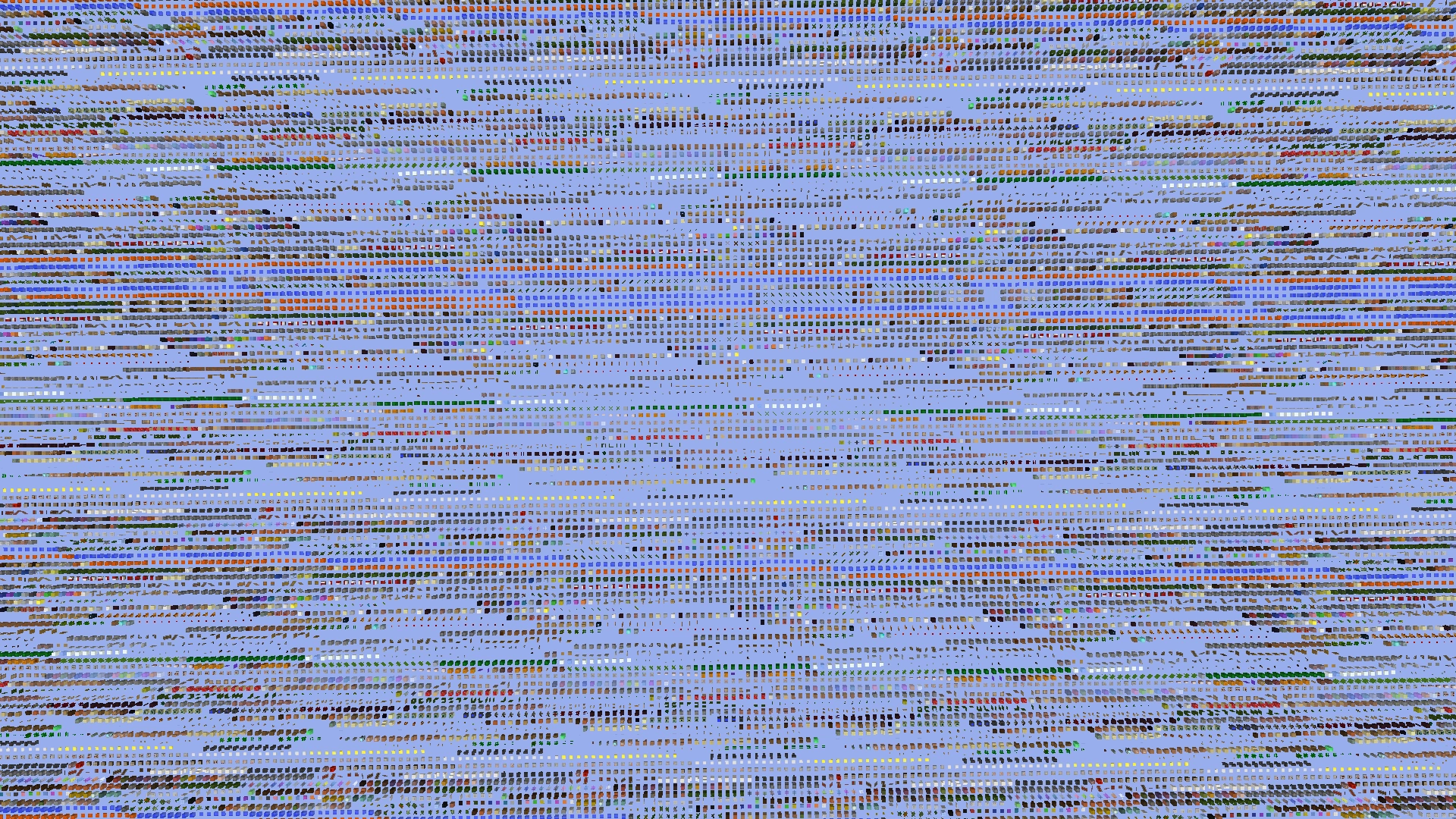
 Grid overview (14w26b)
 -
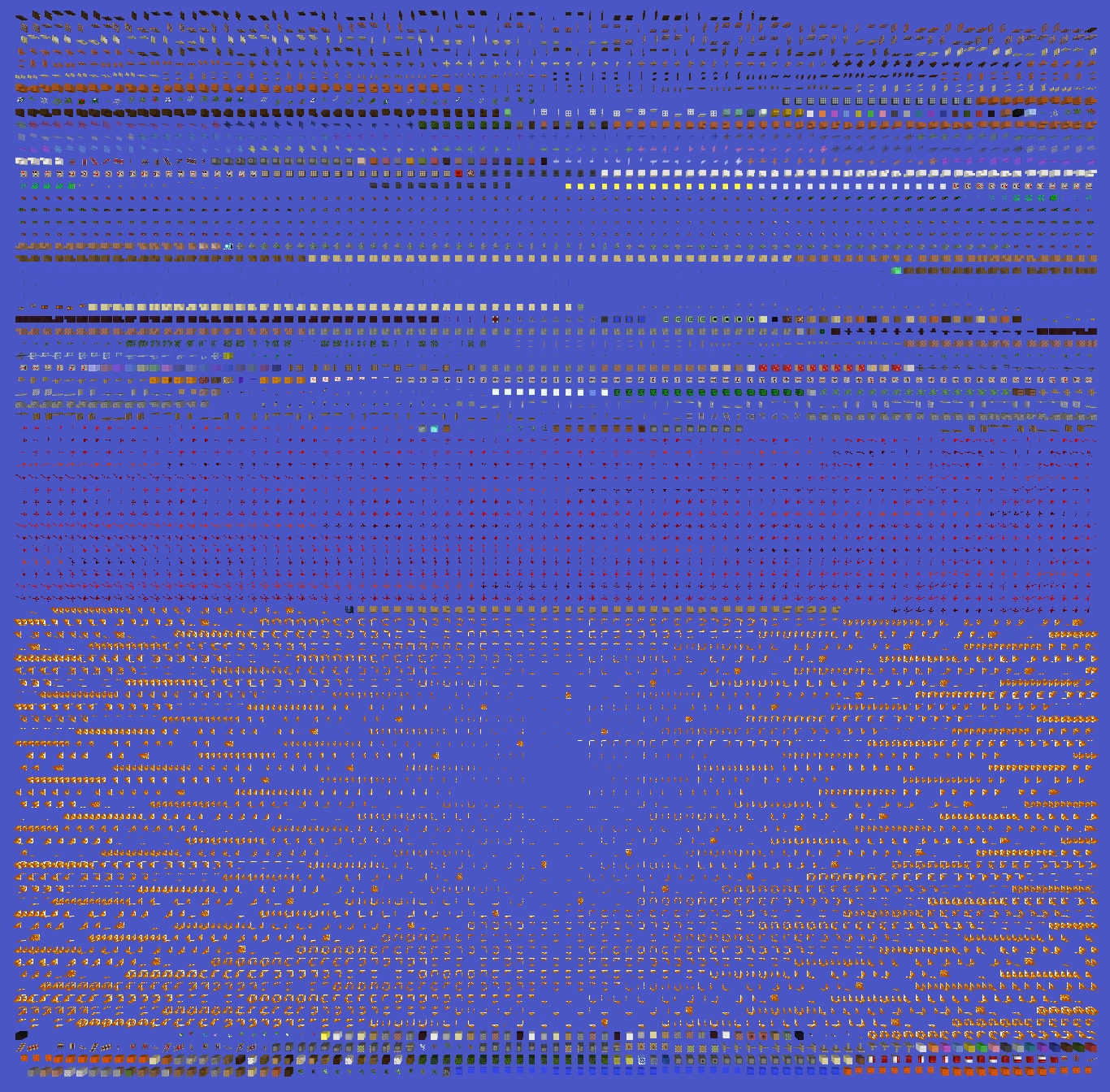
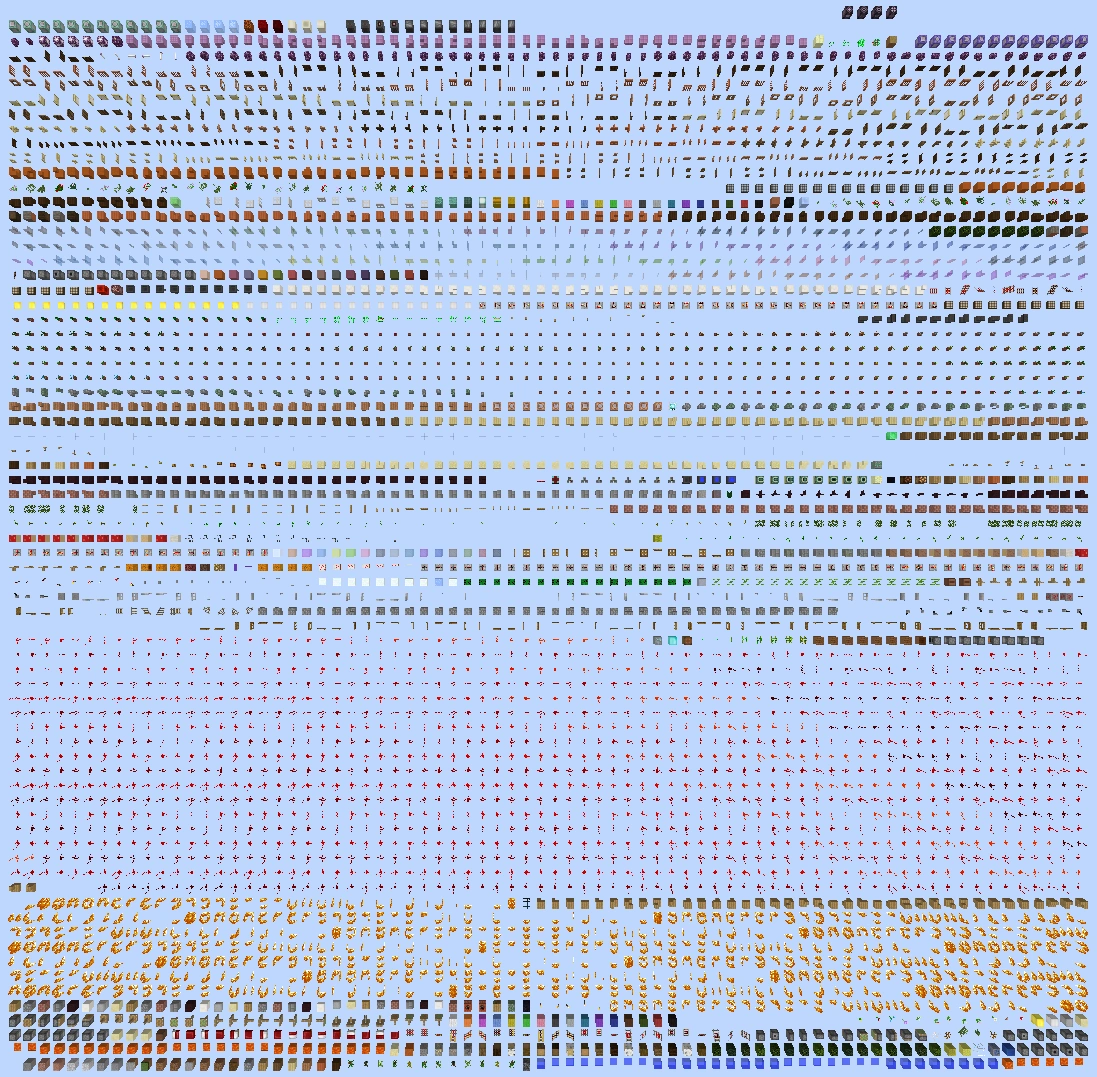
 Low block ID overview (14w27b)
 -
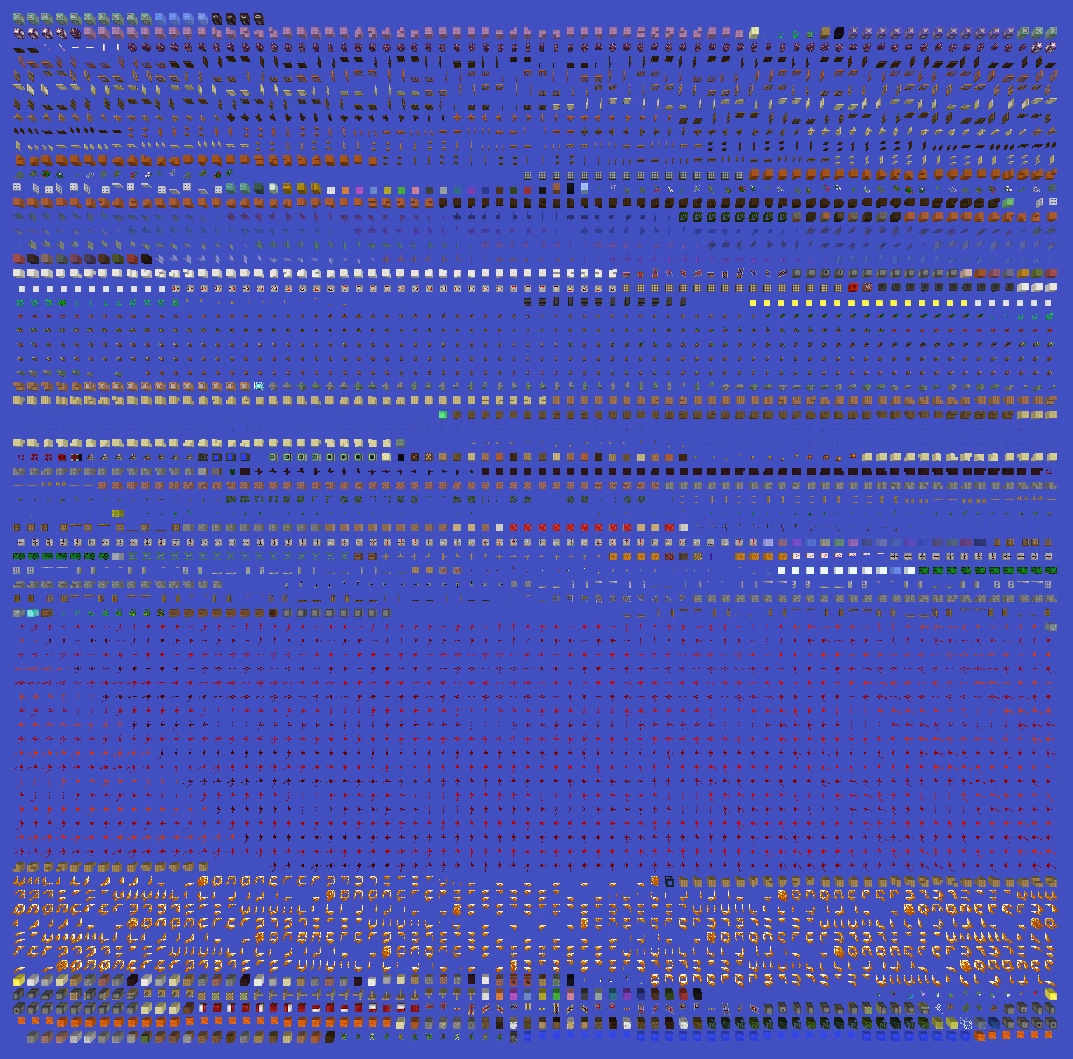
 Grid overview (14w27b)
 -
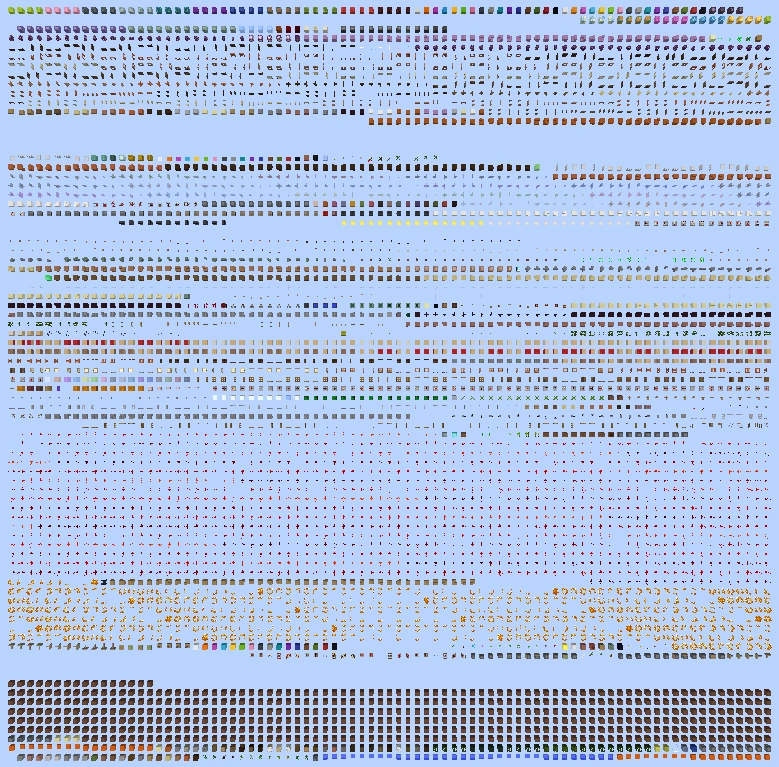
 (14w32d–Java Edition 1.8.9)
 -
 (15w49a–Java Edition 1.9.4)
 -
 (16w20a–Java Edition 1.10.2)
 -
 (16w39b–Java Edition 1.11.2)
 -
 (17w47a-Java Edition 1.13)
Issues
Note that any bugs relating to using game modes other than spectator are resolved as "Invalid" or "Won't Fix" due to the fact that the world type can be legitimately accessed only in spectator.
Issues relating to "Debug mode" are maintained on the bug tracker. Report issues there.
Trivia
- The set biome for this mode is plains by default in the Overworld.
- The sun is displayed as if it were the beginning of the day (time 1000), but the daylight cycle is disabled.
- Using a map does not create an accurate map of the blocks in the world.
- After setting the world type to Debug Mode, the Game Mode button is locked in Spectator, and a line of text appears beneath: "You can look but don't touch".
- There is, however, nothing preventing you from changing the game mode using commands, since the cheats are enabled.
- When the world type in the world creation screen is set to Default, clicking on the World Type button with both ⇧ Shift and Alt are held down immediately changes the world type to Debug Mode.
Gallery
-
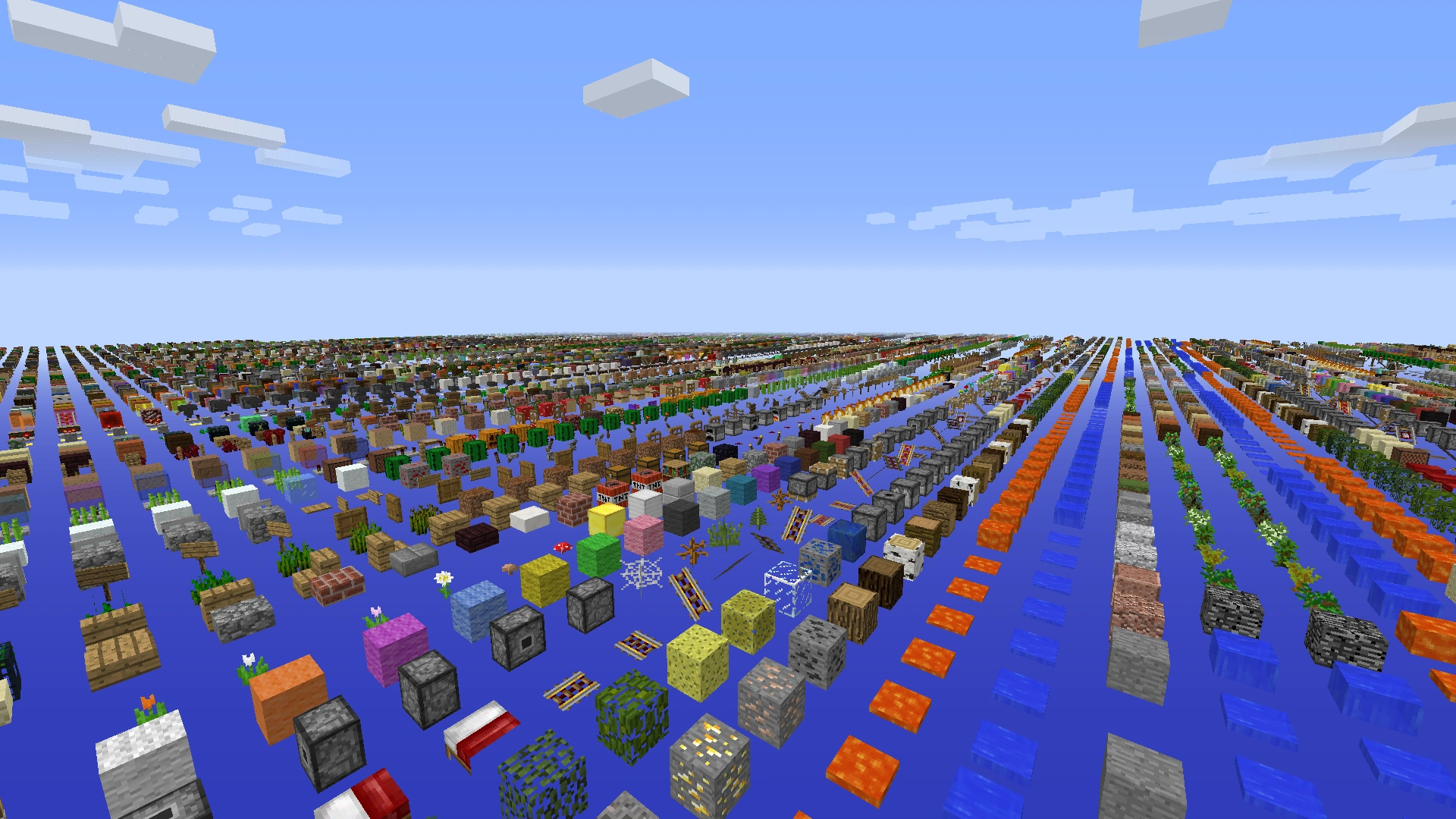
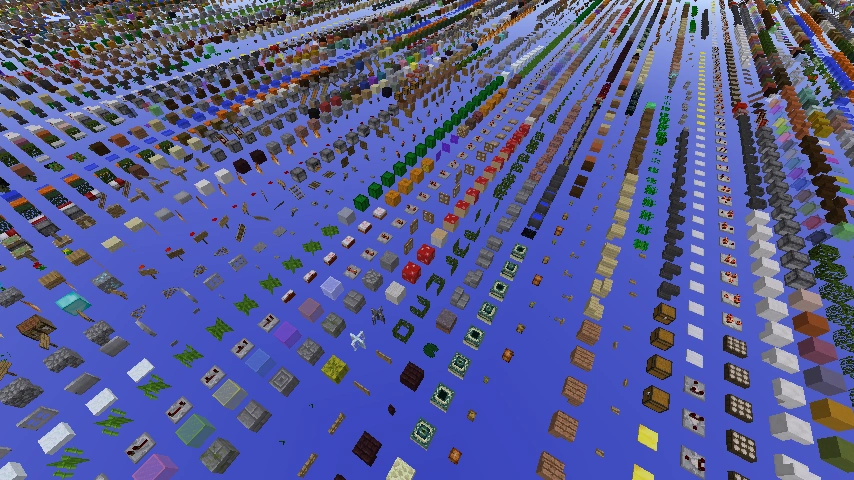
 First image of debug mode.
 -
 Redstone and oak stairs in debug mode.
 -
